
The Cursed Apple is ever changing, and these streets are nothing like you remember.
A massive visual update to the map and neutrals, six new heroes, a mysterious figure known as The Broker, HUD updates, numerous quality-of-life additions, accessibility options, and more.
New York City Map Overhaul
The map has received a massive visual overhaul. The developers have also put together an updated guide to some of the city's key locations.
Broadway
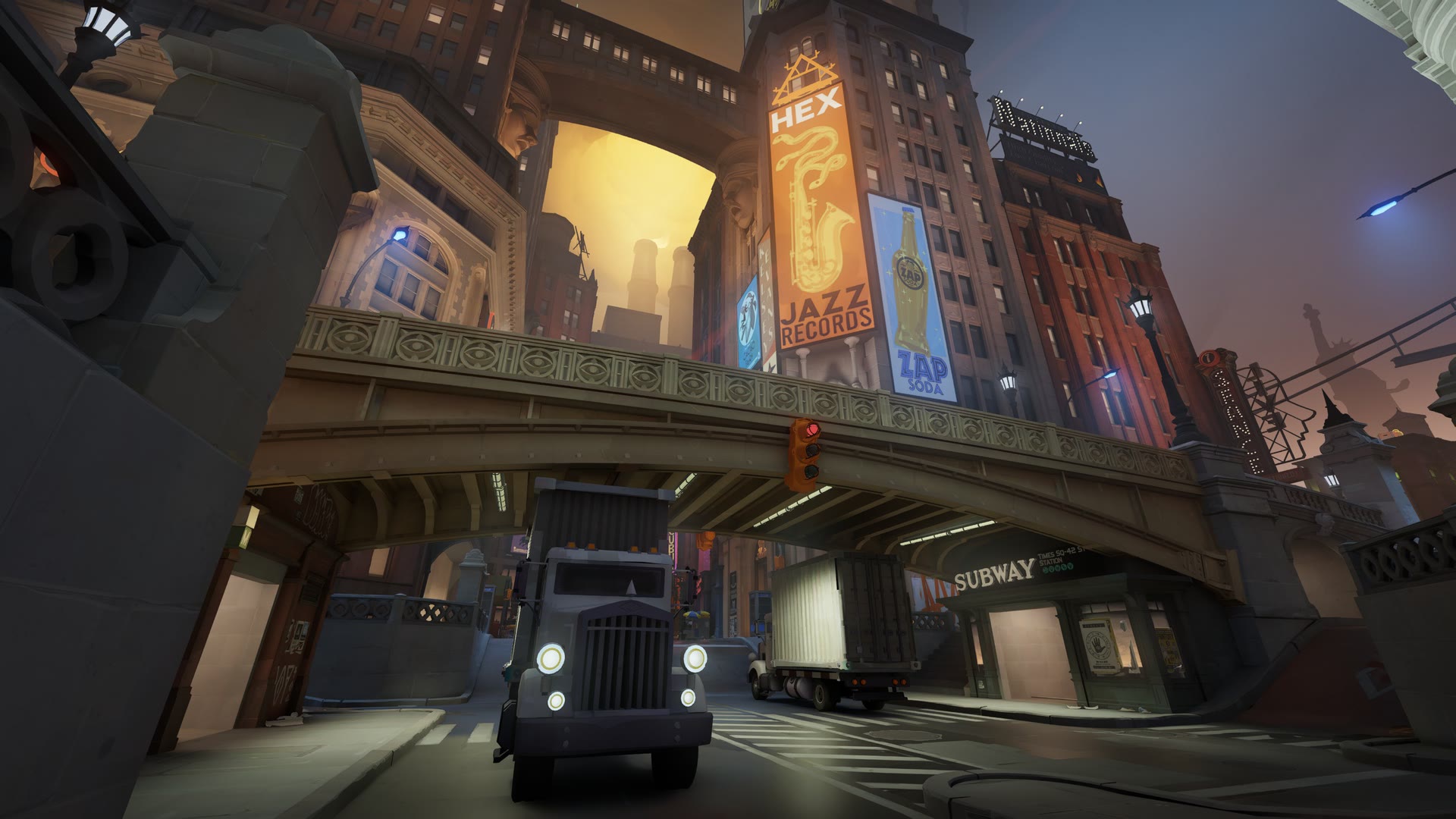
Uptown
Your first stop along the route. If you need to get somewhere fast, this is one of the quickest ways to reach the heart of the action.
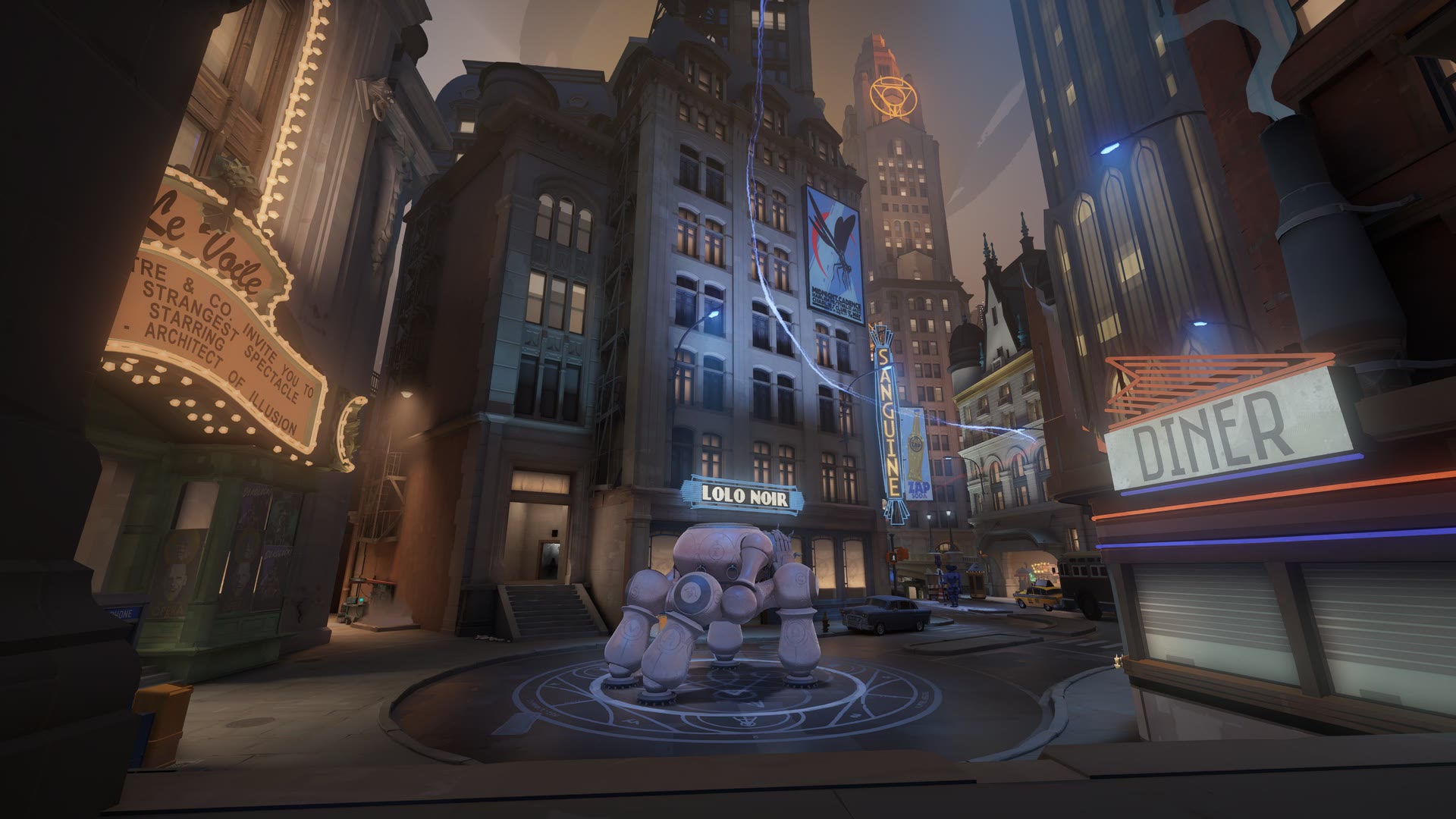
Times Square
The beating heart of the city. Everyone should see it at least once in their life — and hopefully more than once.
New Haunts
Familiar neutral camps have been replaced with a wider variety of creatures featuring new behaviors.
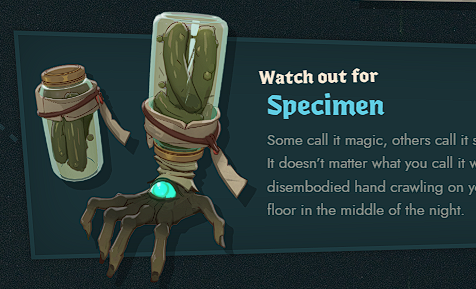
Specimen
Some call it magic, others call it science. The distinction matters a lot less when a severed hand is crawling across your kitchen floor in the middle of the night.
Downtown
The busiest stop in the city. Residents of The Cursed Apple have reported strange rumbling coming from deep beneath the subway line.
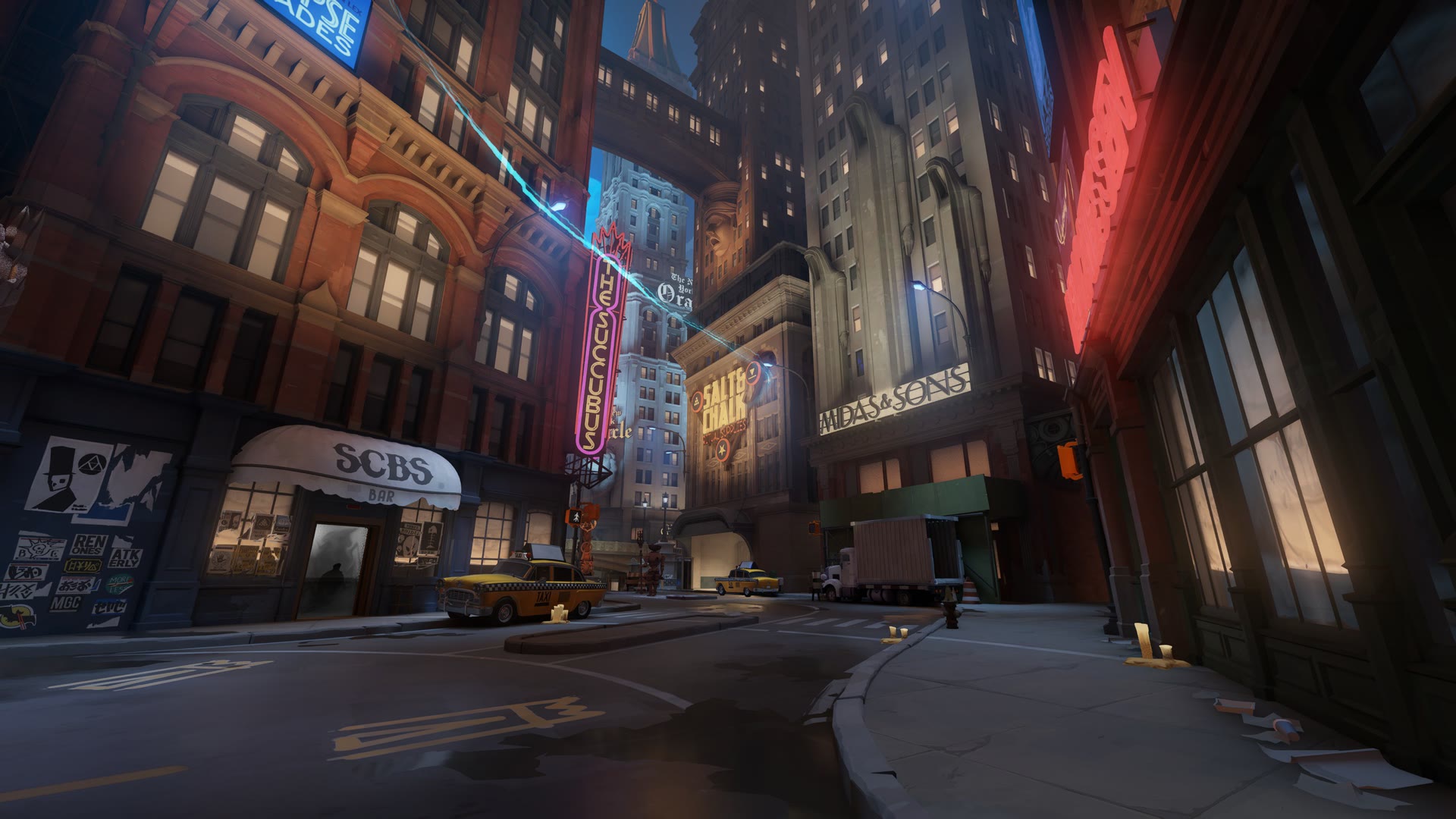
Greenwich
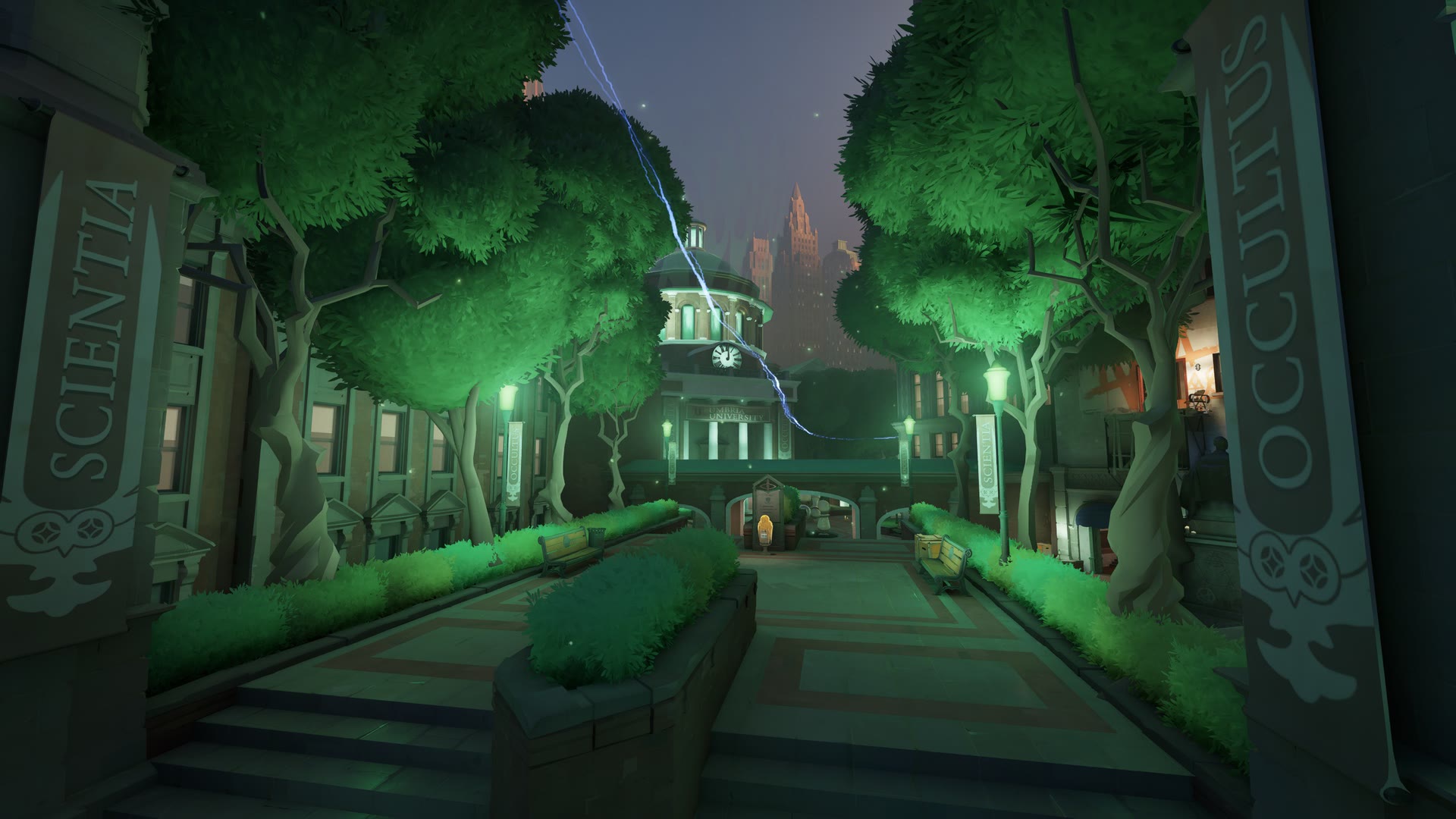
Umbria University
Home to one of the country's premier bibliomancy programs, Umbria offers an elite occult education.
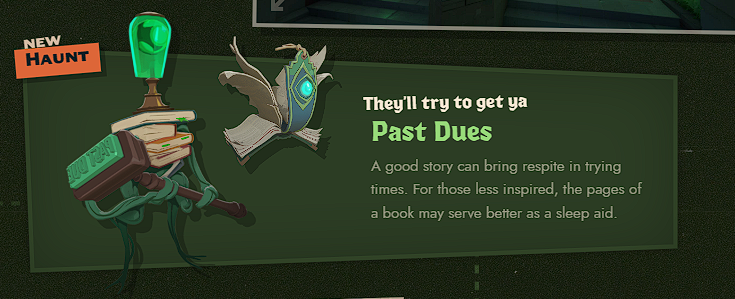
Past Dues
A good story can bring relief in difficult times. For those less inspired, the pages of a book may work better as a sleep aid.
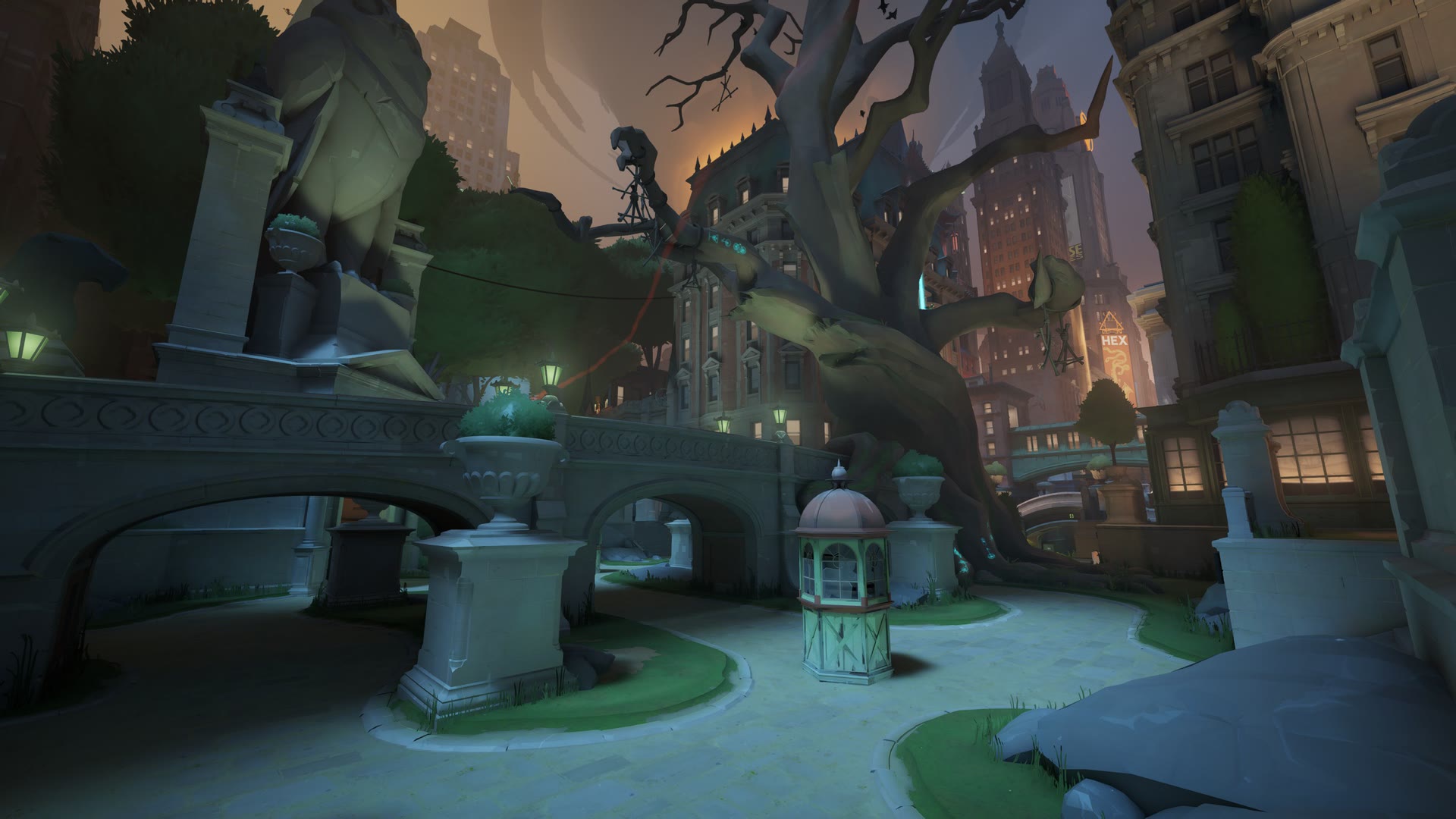
Central Park
The famous Hangman's Elm is now 300 years old and still growing. It has stood in the city longer than almost any other living thing.
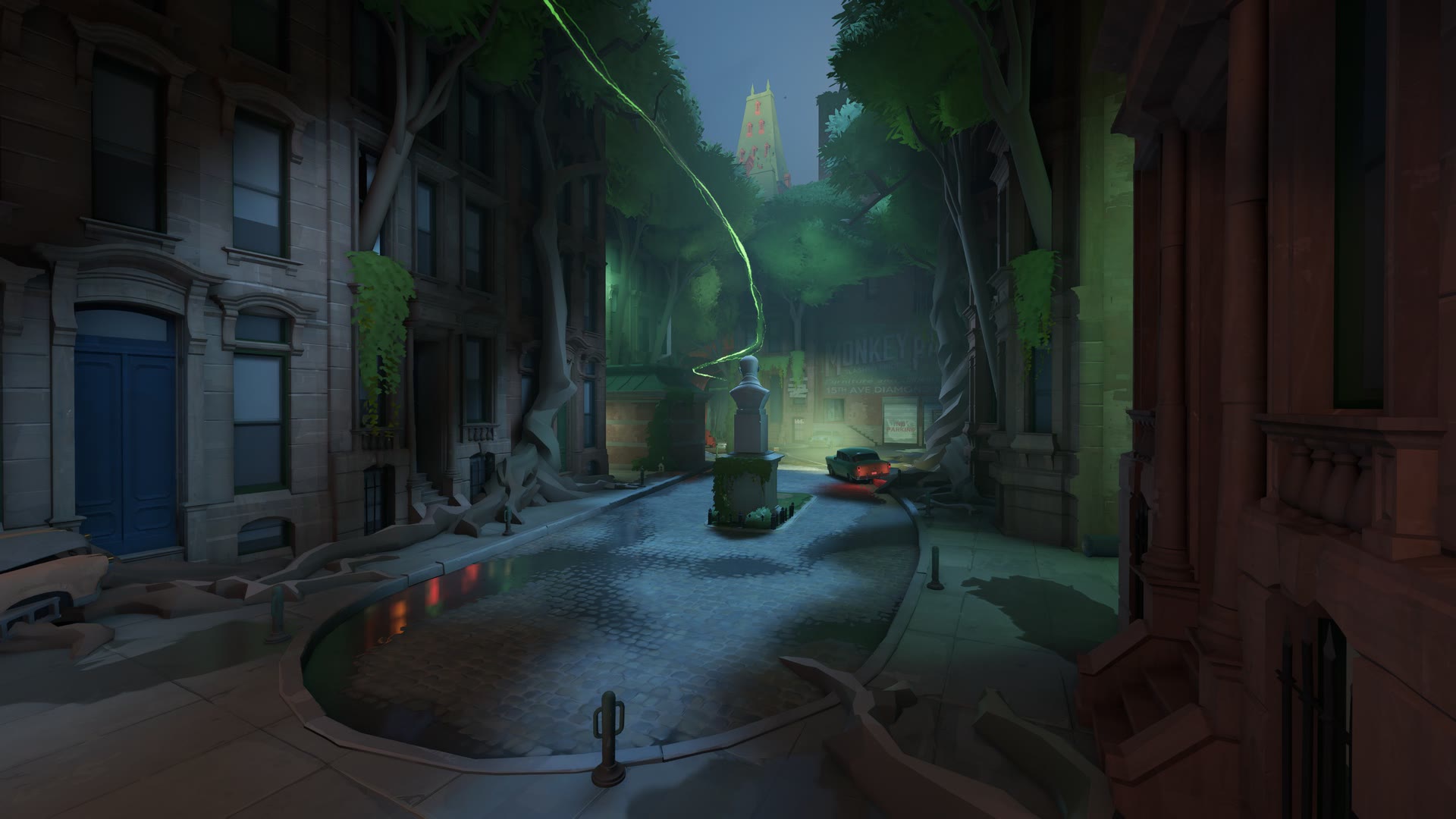
The Brownstones
A fine place for some quality family time — and, if you're lucky, a history lesson that is best not repeated.
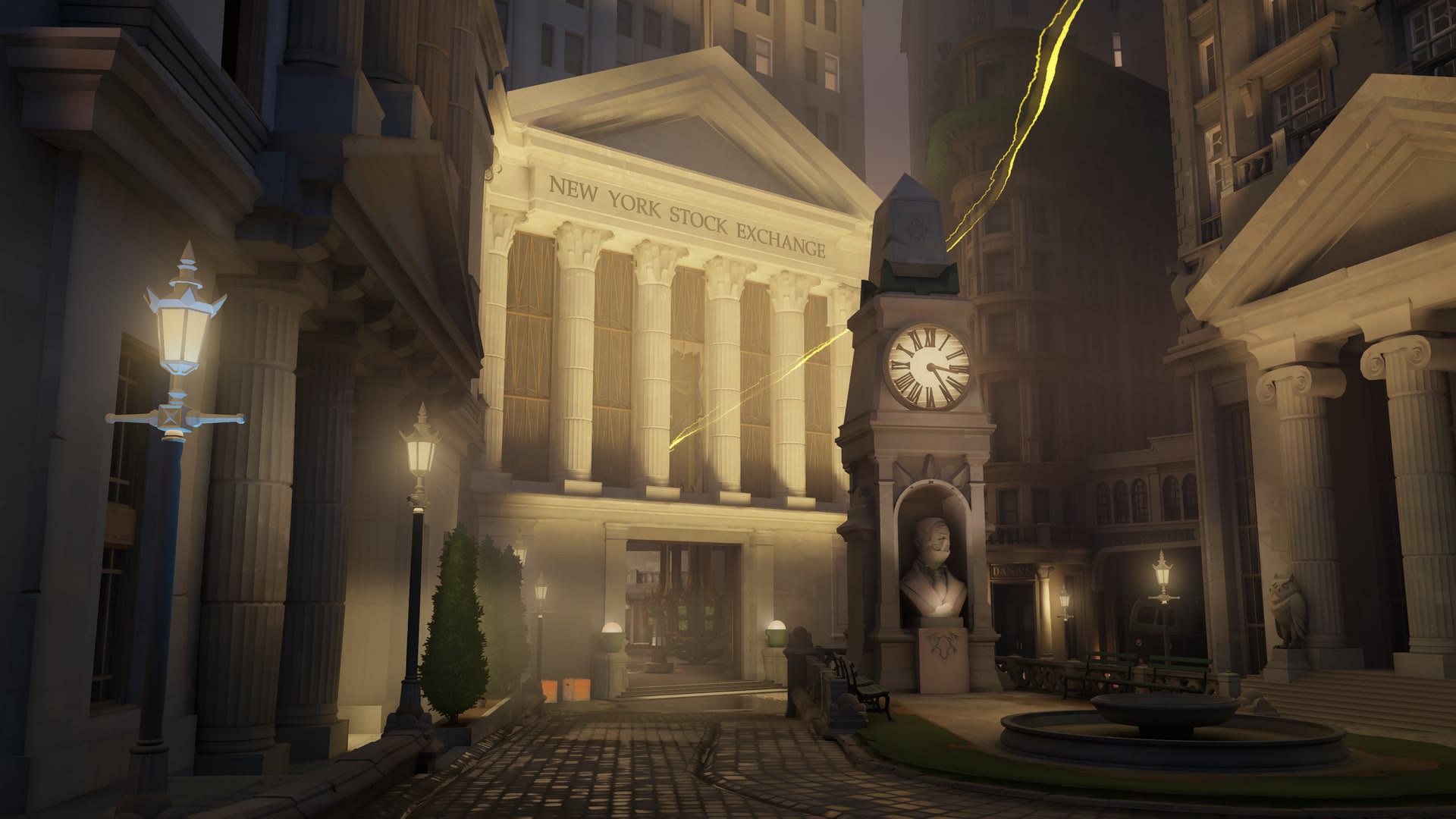
Stock Exchange
A high-stakes financial hub where the warlocks of Wall Street practice their craft — making deals.
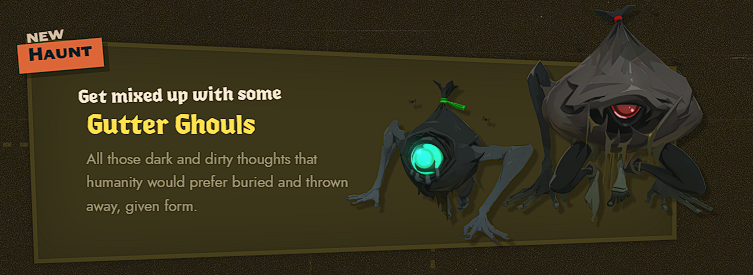
Gutter Ghouls
Every dark and filthy thought humanity would rather bury and throw away has taken physical form.
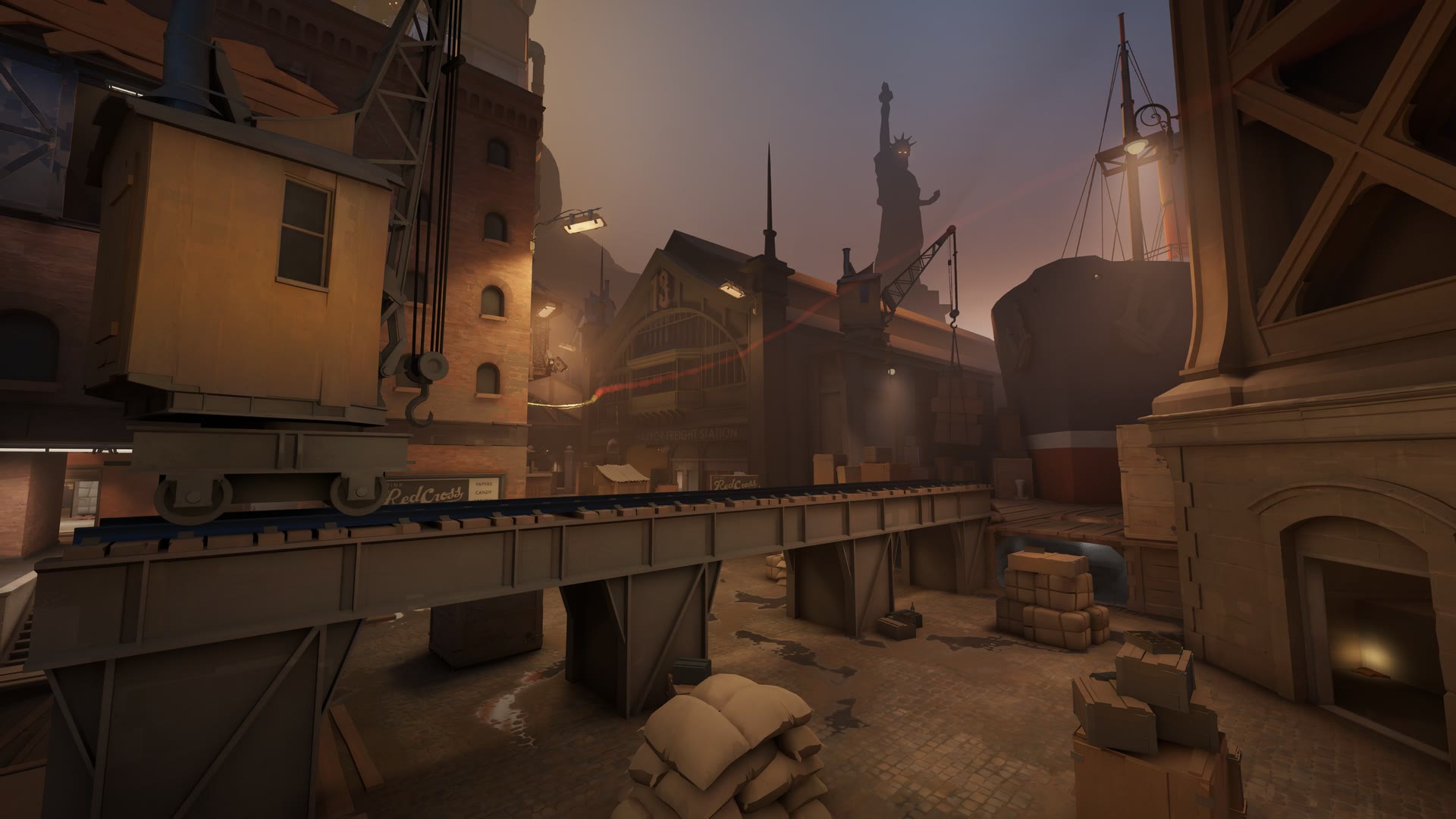
Seaport Dock
Preserving New York City's maritime heritage became a little more complicated after this vessel docked at Pier 16.
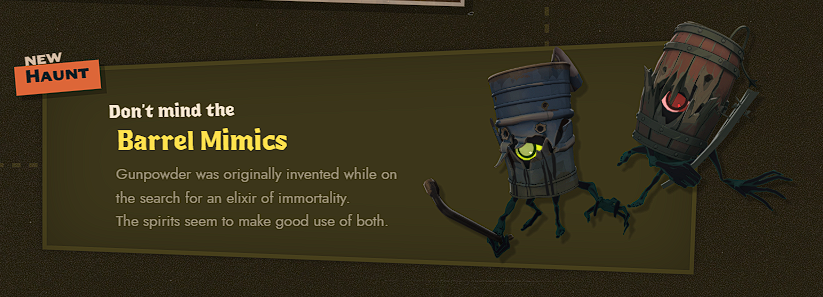
Barrel Mimics
Gunpowder was originally invented during the search for an elixir of immortality. It seems the local spirits have found a use for both.
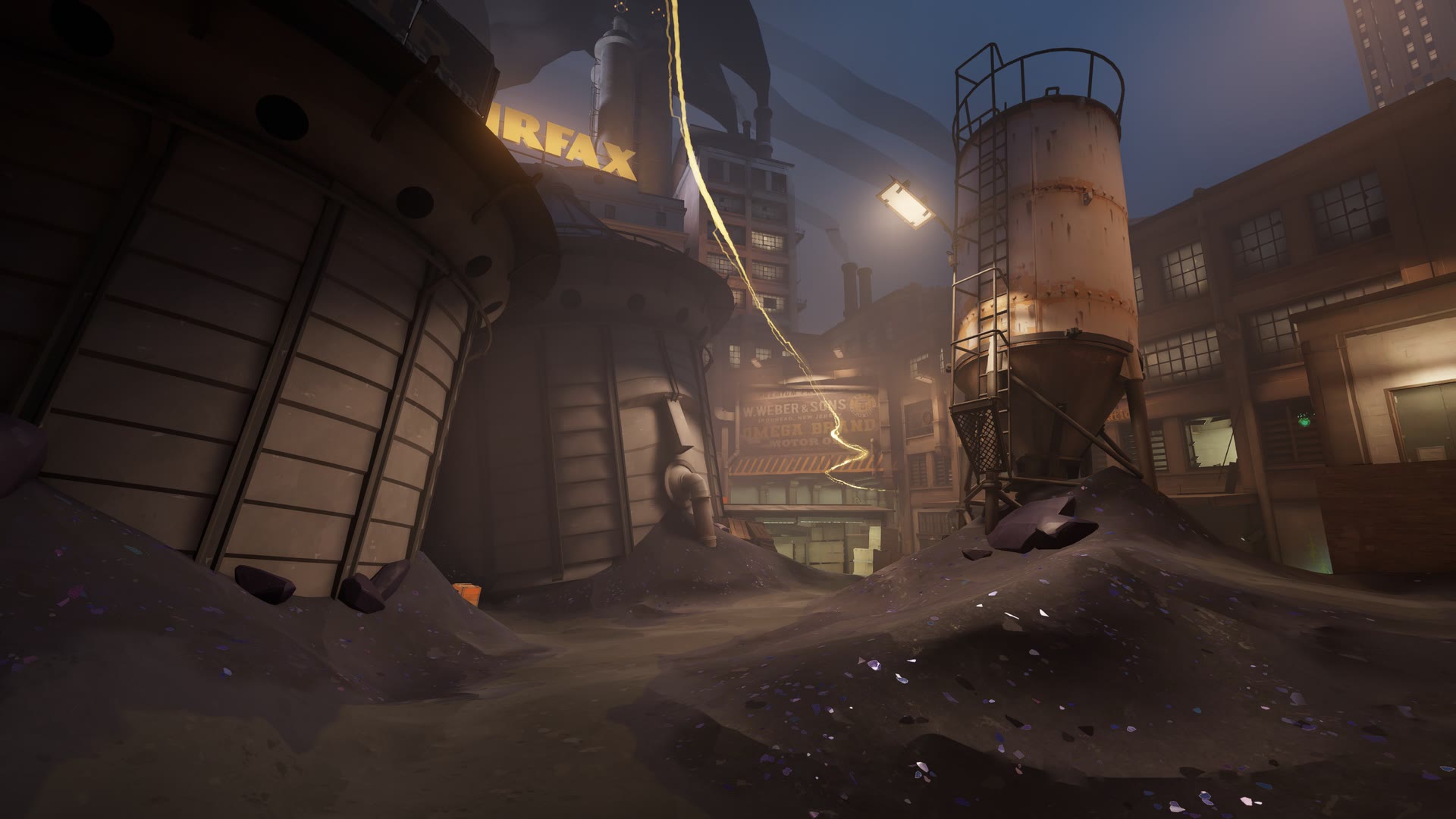
Old Fairfax Factories
The beating heart of the Occult Industrial Complex began from far more humble origins.
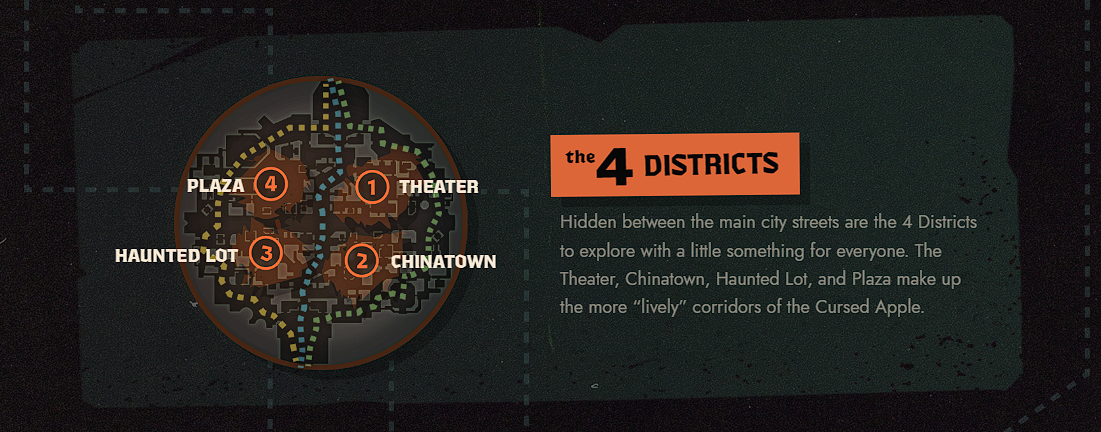
Four Districts
Four distinct districts are tucked between the city's main streets: Theater, Chinatown, Haunted Lot, and Plaza.
The developers describe them as some of the more lively corridors of The Cursed Apple.
Theater District
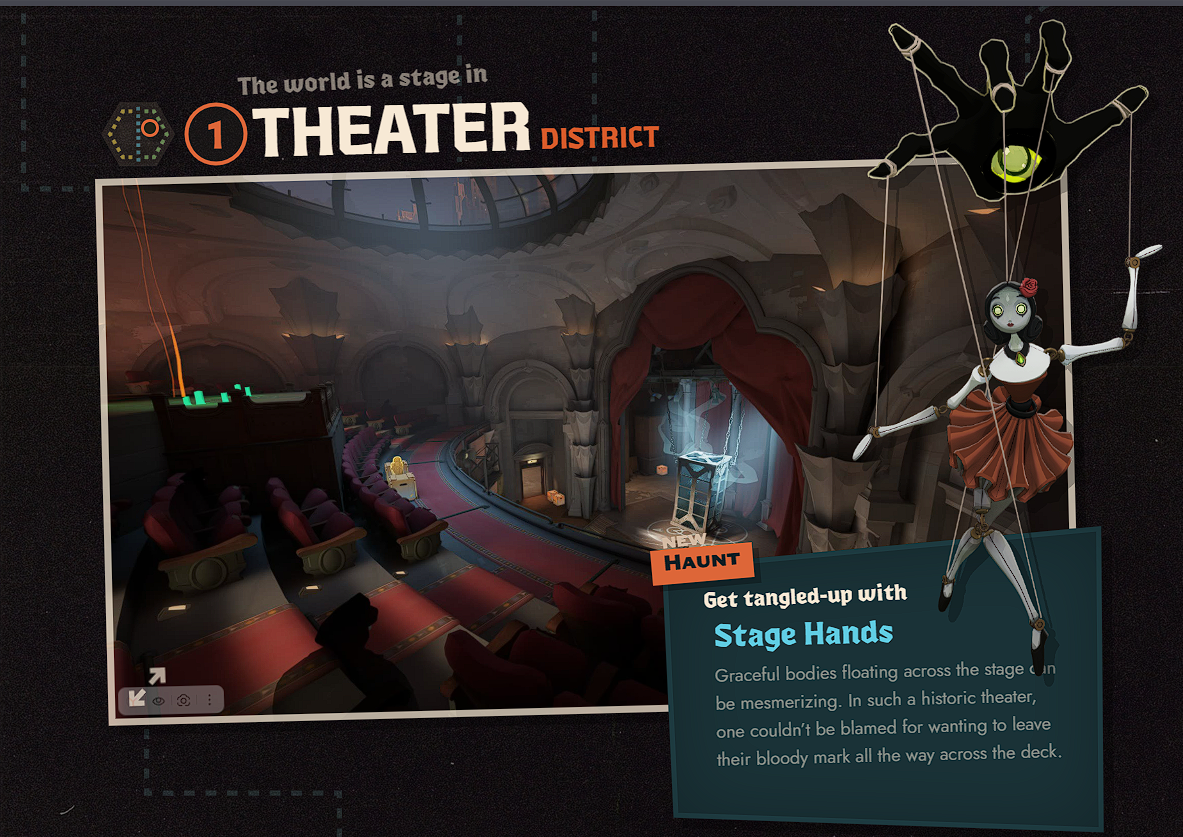
Stage Hands
Graceful bodies floating above the stage can be mesmerizing. In a theater this historic, it's hardly surprising that someone might want to leave a bloody mark across the stage.
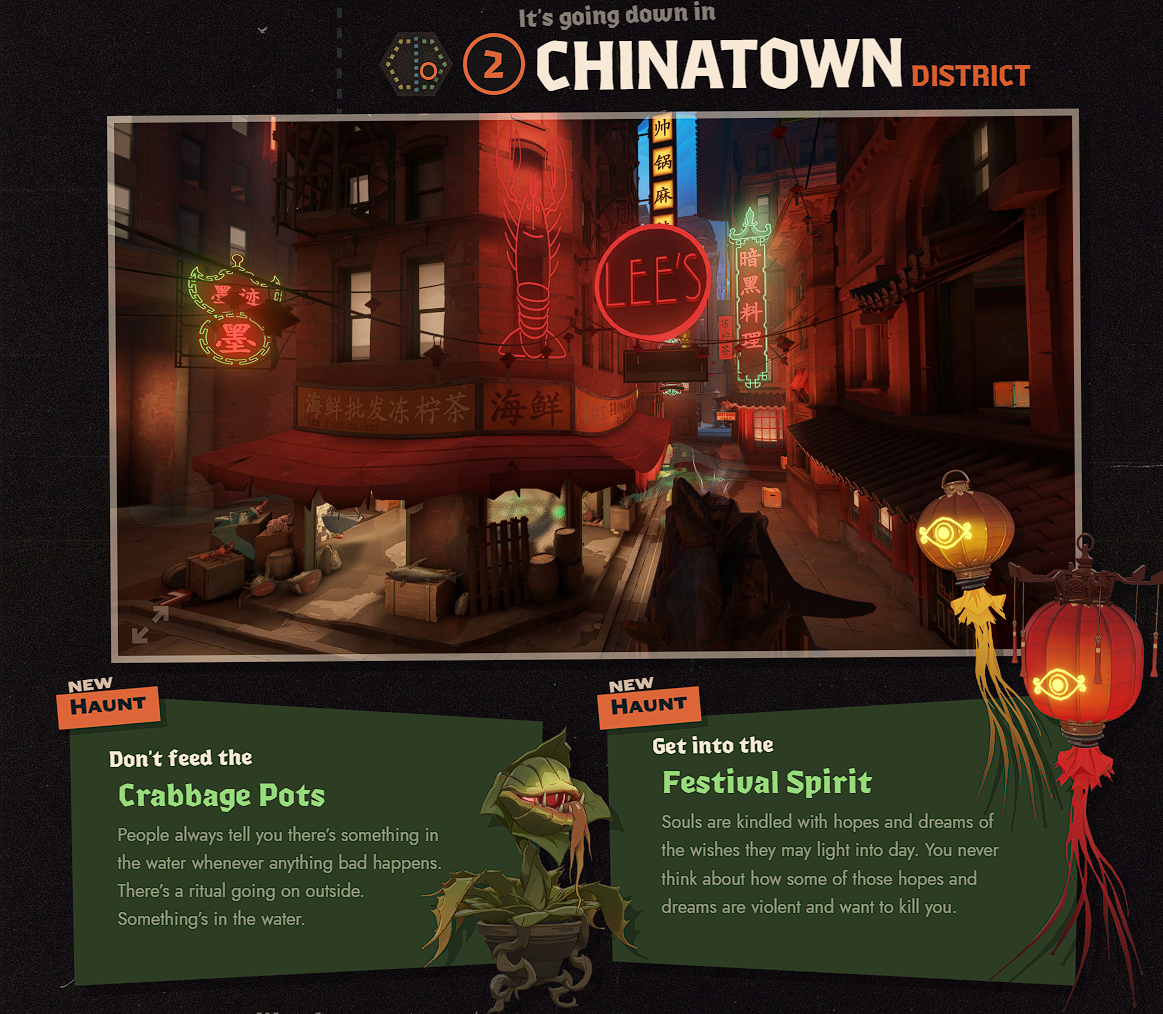
Chinatown District
Crabbage Pots
Whenever something bad happens, people always say there must be “something in the water.”
There's some kind of ritual happening in the street. And there really is something in the water.
Festival Spirit
Souls are filled with hopes and dreams of wishes that may one day come true. People rarely stop to consider that some of those hopes and dreams may be vicious — and may want to kill you.
Haunted Lot District
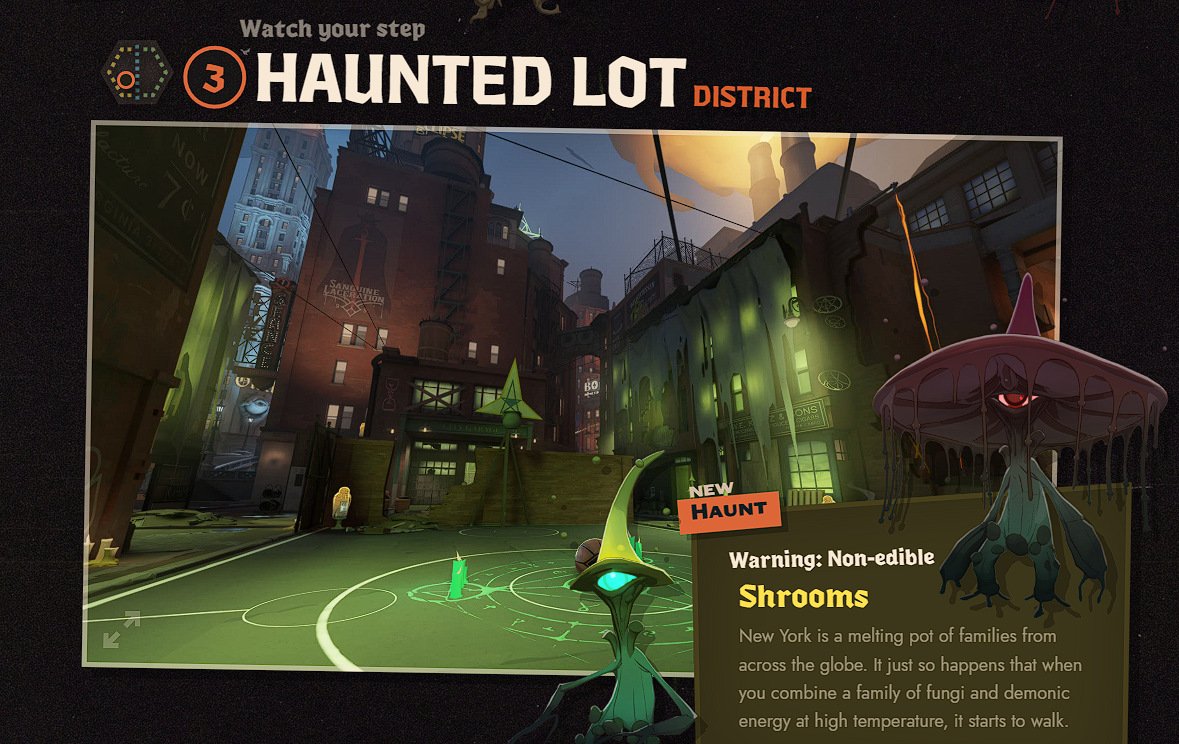
Shrooms
New York is a true melting pot of families from around the world. Combine a family of mushrooms with demonic energy at high heat, and apparently it starts walking.
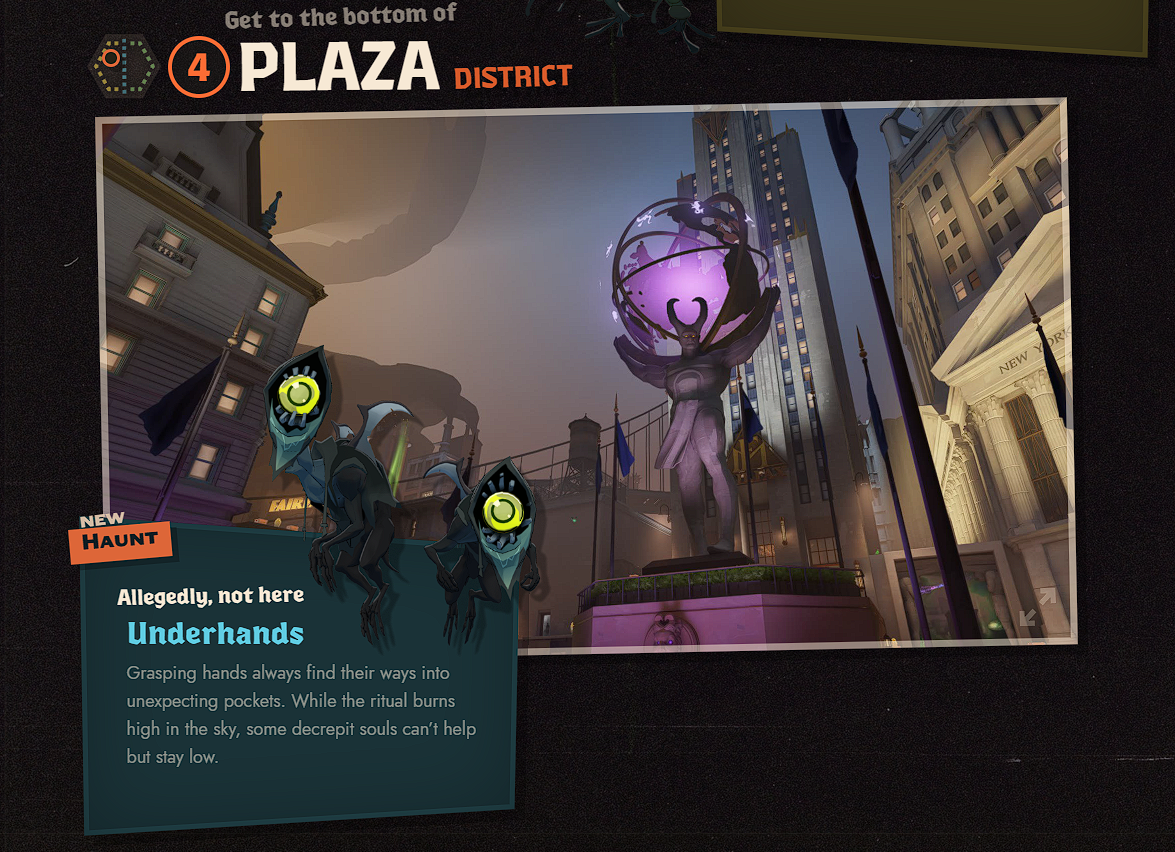
Plaza District
Underhands
Grasping hands always find their way into someone else's pockets. While the ritual burns high above the city, some withered souls prefer to stay as close to the ground as possible.
New Map Features and Activities
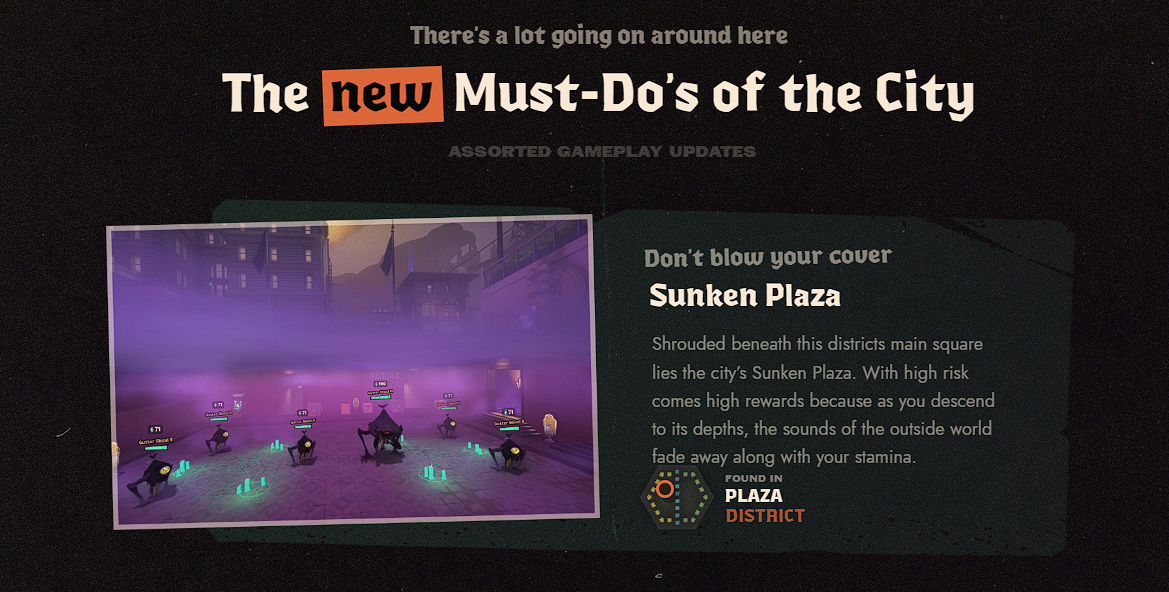
Sunken Plaza
Sunken Plaza lies beneath the main square of the Plaza District.
The deeper you descend, the more the outside world fades away — along with your Stamina. The area is built around high risk and high reward.
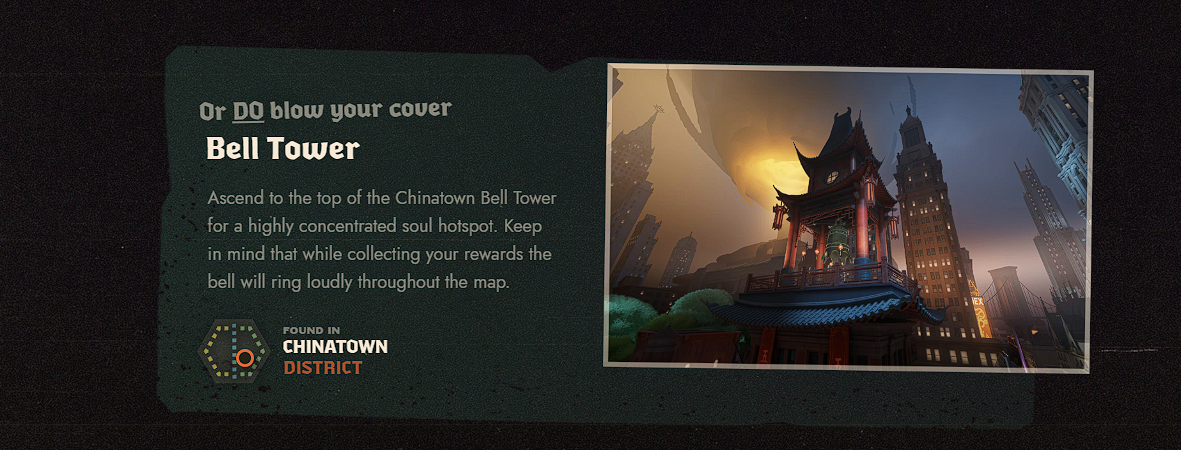
Bell Tower
At the top of the Bell Tower in Chinatown sits a source with a high concentration of Souls.
While you collect the reward, the bell rings loudly across the map, announcing what you're doing to everyone else.
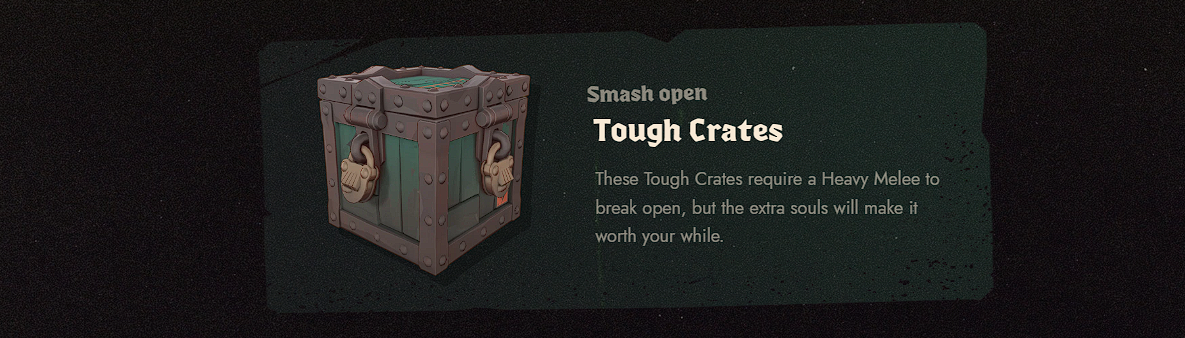
Tough Crates
These reinforced crates require a Heavy Melee attack to break open.
In return, they contain more Souls.
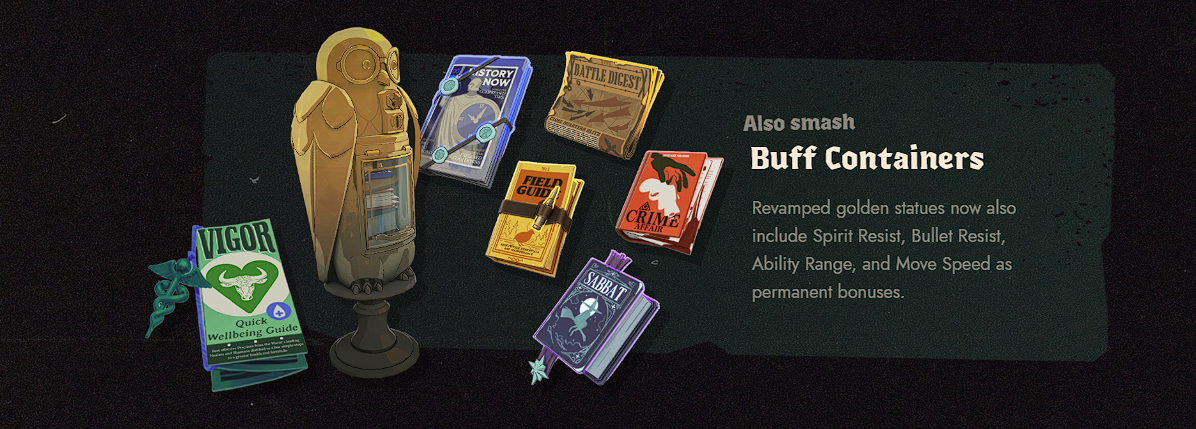
Buff Containers
The golden statues that grant permanent buffs have been redesigned.
The pool of permanent bonuses can now also include:
- Spirit Resist;
- Bullet Resist;
- Ability Range;
- Move Speed.
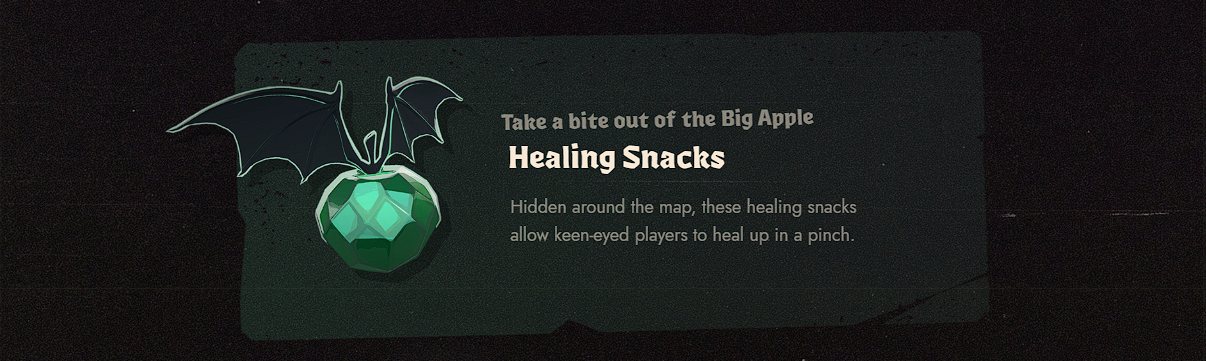
Healing Snacks
Healing Snacks are hidden around the map, giving sharp-eyed players a way to recover health when they need it most.
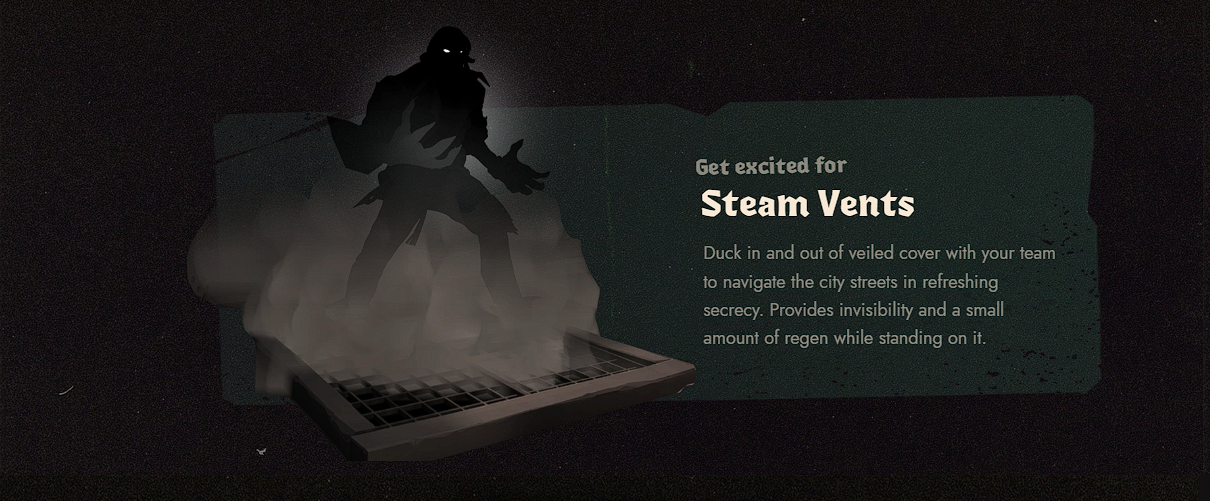
Steam Vents
Steam Vents let you move through the city with your team while staying hidden from enemies.
Standing on a Steam Vent grants invisibility and a small amount of regeneration.
The Broker
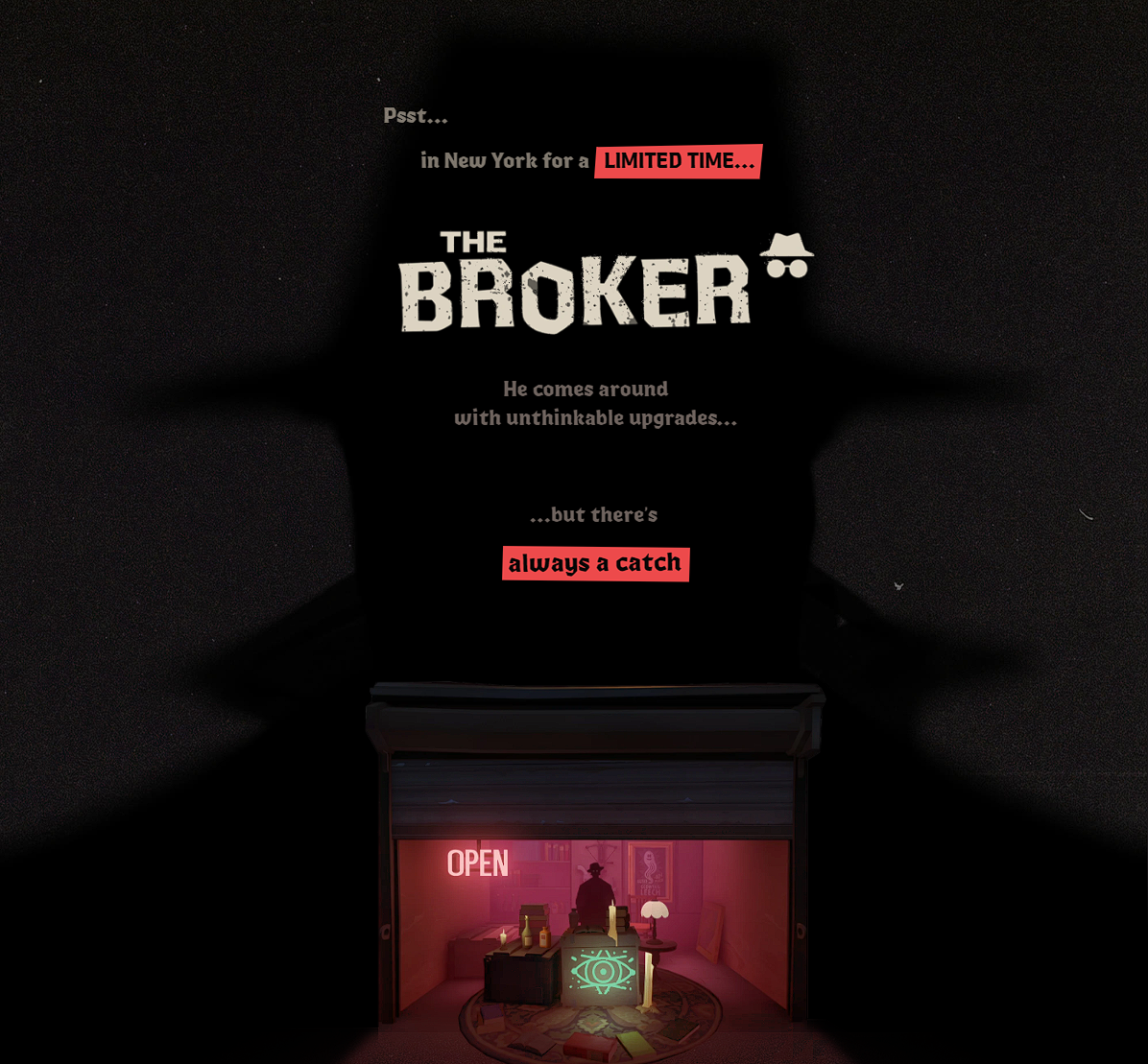
A mysterious merchant known as The Broker is appearing in New York for a limited time.
He offers exceptionally powerful upgrades, but every deal comes with a price.
The Broker might set up shop at the end of a dark Uptown alley one day, then take over an abandoned Chinatown storefront later on. No one knows where he'll appear next.
His demonically altered items and modifications are illegal in New York, so he never stays in one place for long.
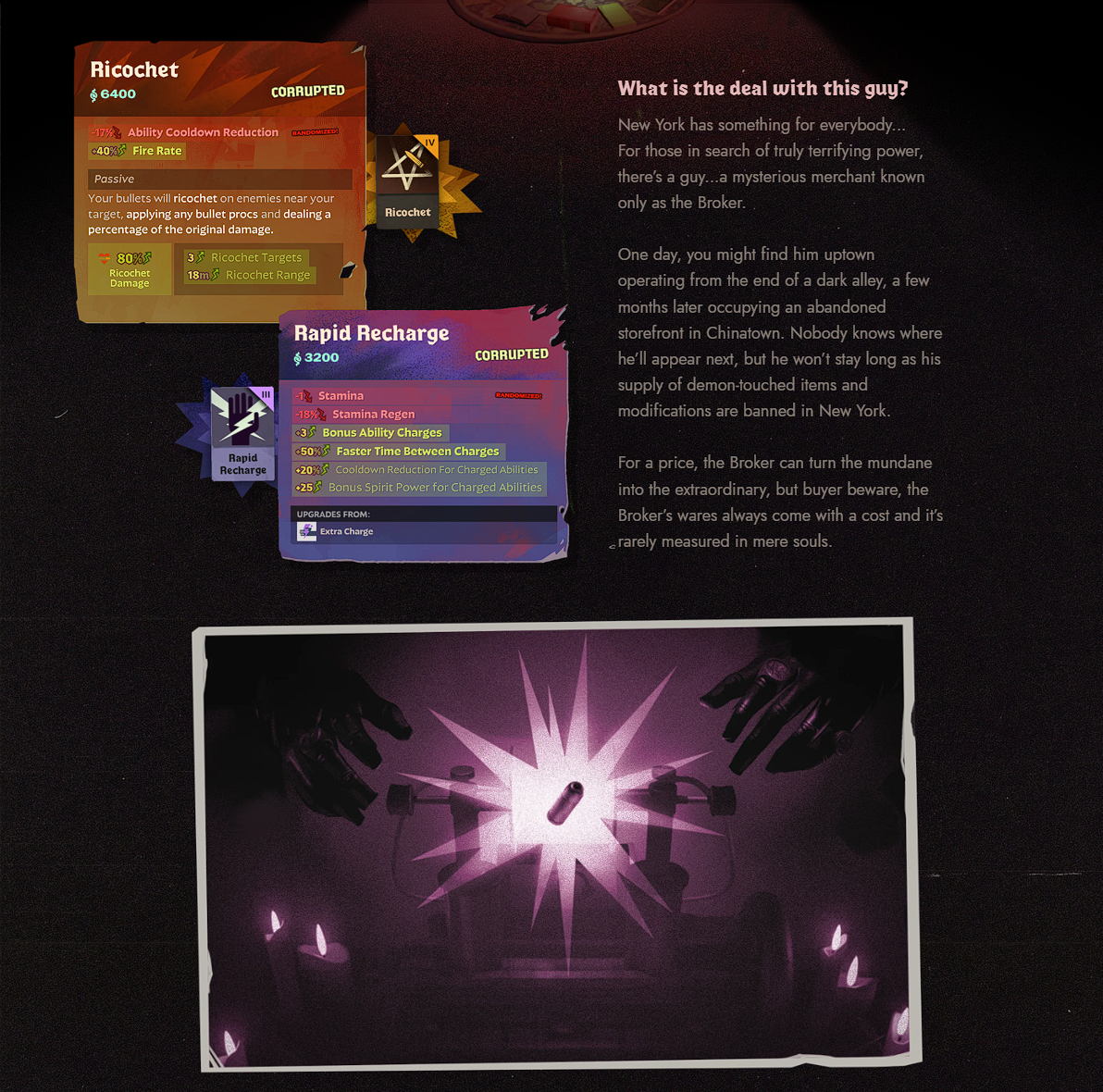
For the right price, The Broker can turn an ordinary item into something far more powerful — though the cost of his merchandise is not always measured in Souls alone.
The page showcases Corrupted versions of Ricochet and Rapid Recharge as examples.
Trade In Your Items
While supplies last, players can exchange high-tier items for their Corrupted versions.
The Broker's exact arrival time varies from match to match, but his first shipment usually becomes available at around the 30-minute mark.
After that, additional Corrupted Items become available roughly every 15 minutes on average.
What's the Catch?
In each match, Corrupted Items are assigned random negative attributes from a predefined pool.
The strength of their positive and negative effects can vary slightly, but a specific item's stats are the same for every player within the same match.
The Broker Comes and Goes
Corrupted Items are banned on the streets of New York.
The Broker will only be around for a few days. Once the first new hero arrives, the city's authorities will begin cracking down on his operation.
Six New Heroes
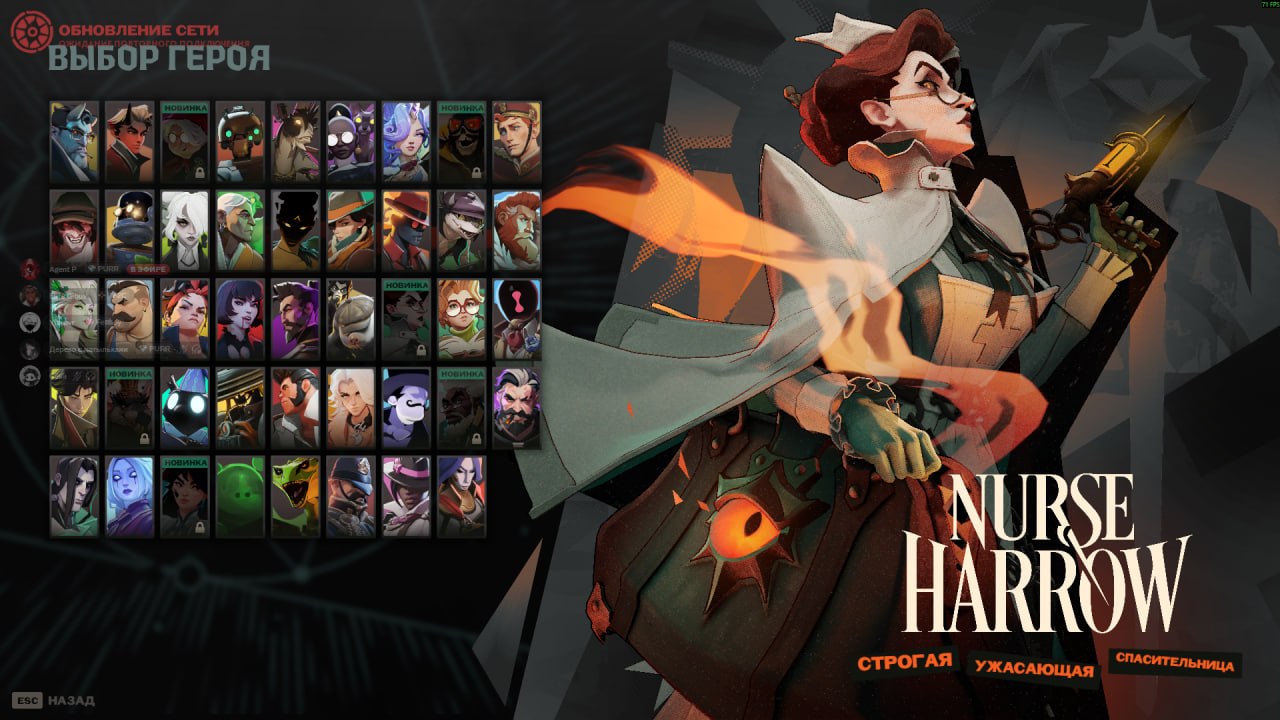
Deadlock is introducing six new heroes:
Nurse Harrow
Strict, terrifying, and a lifesaver.
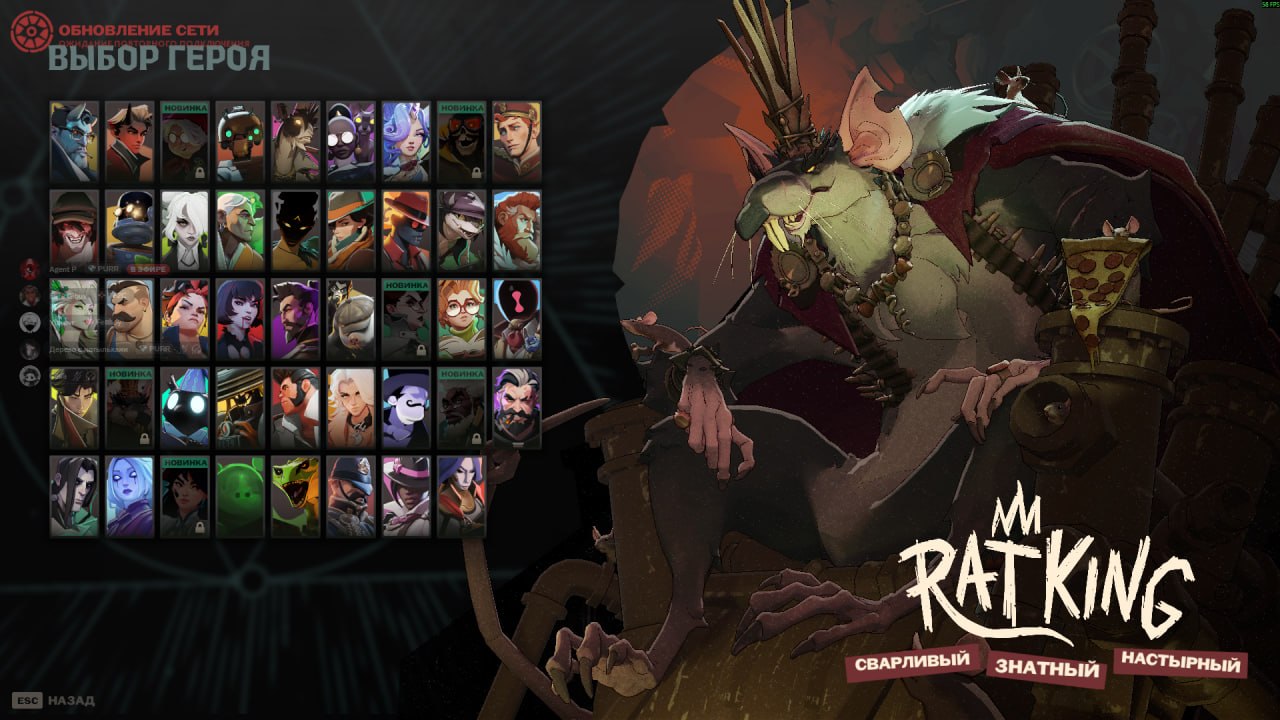
Mr Rat King
Scrappy, regal, and relentless.
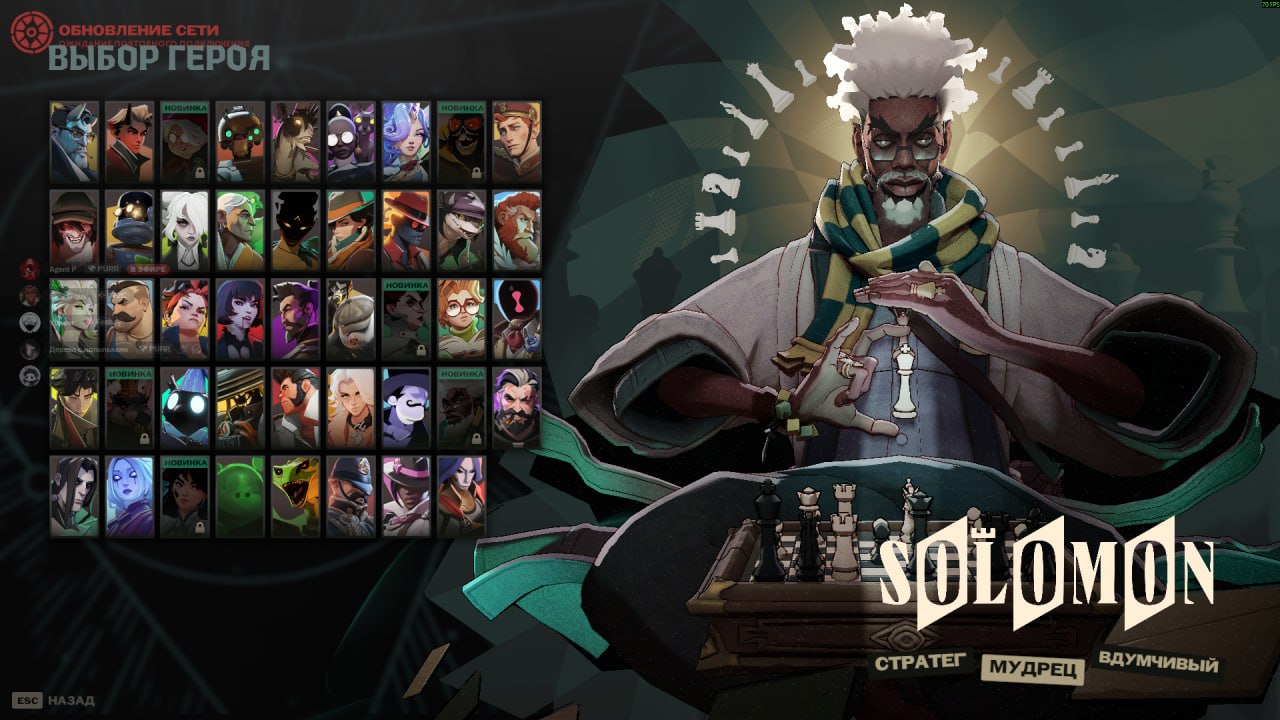
Solomon
Strategic, focused, and always ready to put an opponent in checkmate.
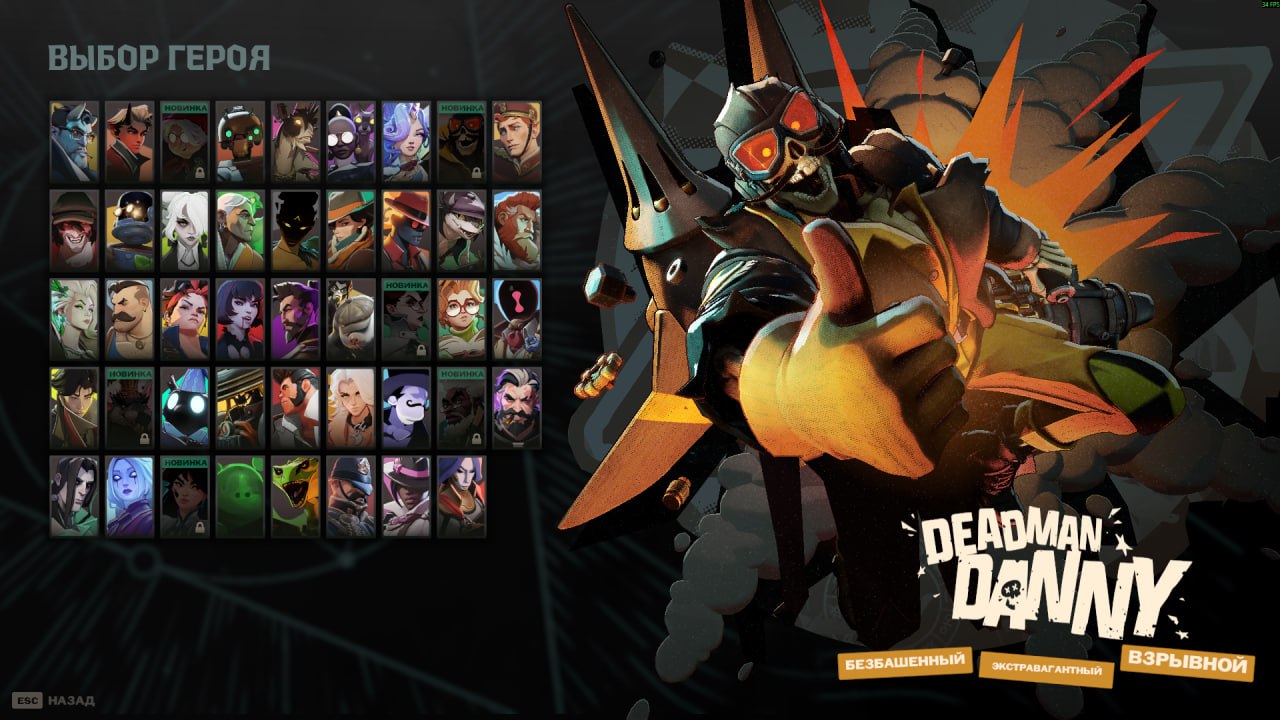
Deadman Denny
Reckless, airborne, and explosive.
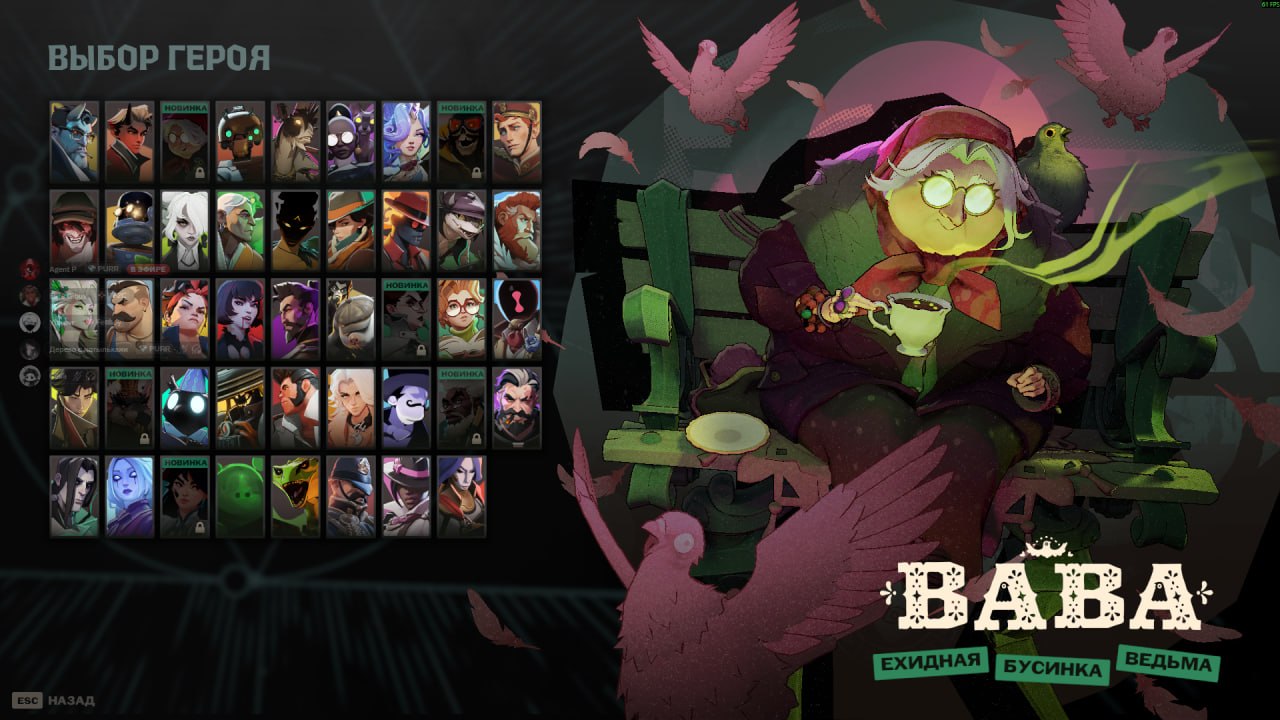
Baba
Giggling, watchful, and spell-slinging.
Violet
Ambitious, agile, and creative.
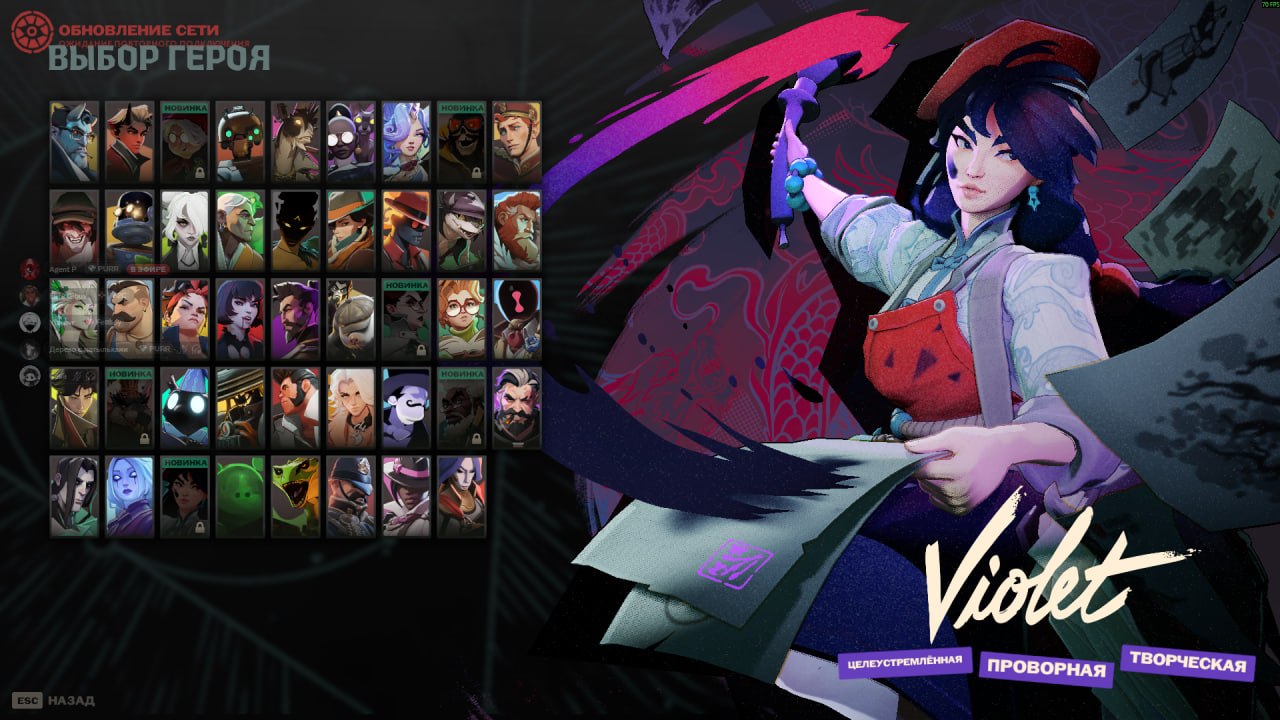
Players Decide the Hero Release Order
As with previous releases of this kind, the community will vote to decide the order in which the new heroes arrive.
Two heroes will be released each week — on Tuesdays and Fridays at 2:00 PM PT.
Voting is now open.
The first new hero releases on October 2.
Pregame Voting
All voting now takes place directly in the new Pregame lobby.
Players can try to convince teammates to support their preferred hero, and votes from the winning team count double.
First Win of the Day
Your first win of the day grants twice as many votes.
New Hero Priority Tokens
After the first new hero releases, players will be able to earn Priority Tokens by playing.
Campaign Posters
Players can show support for their favorite upcoming hero with campaign posters.
New Health Bars
Hero health bars have received a major update.
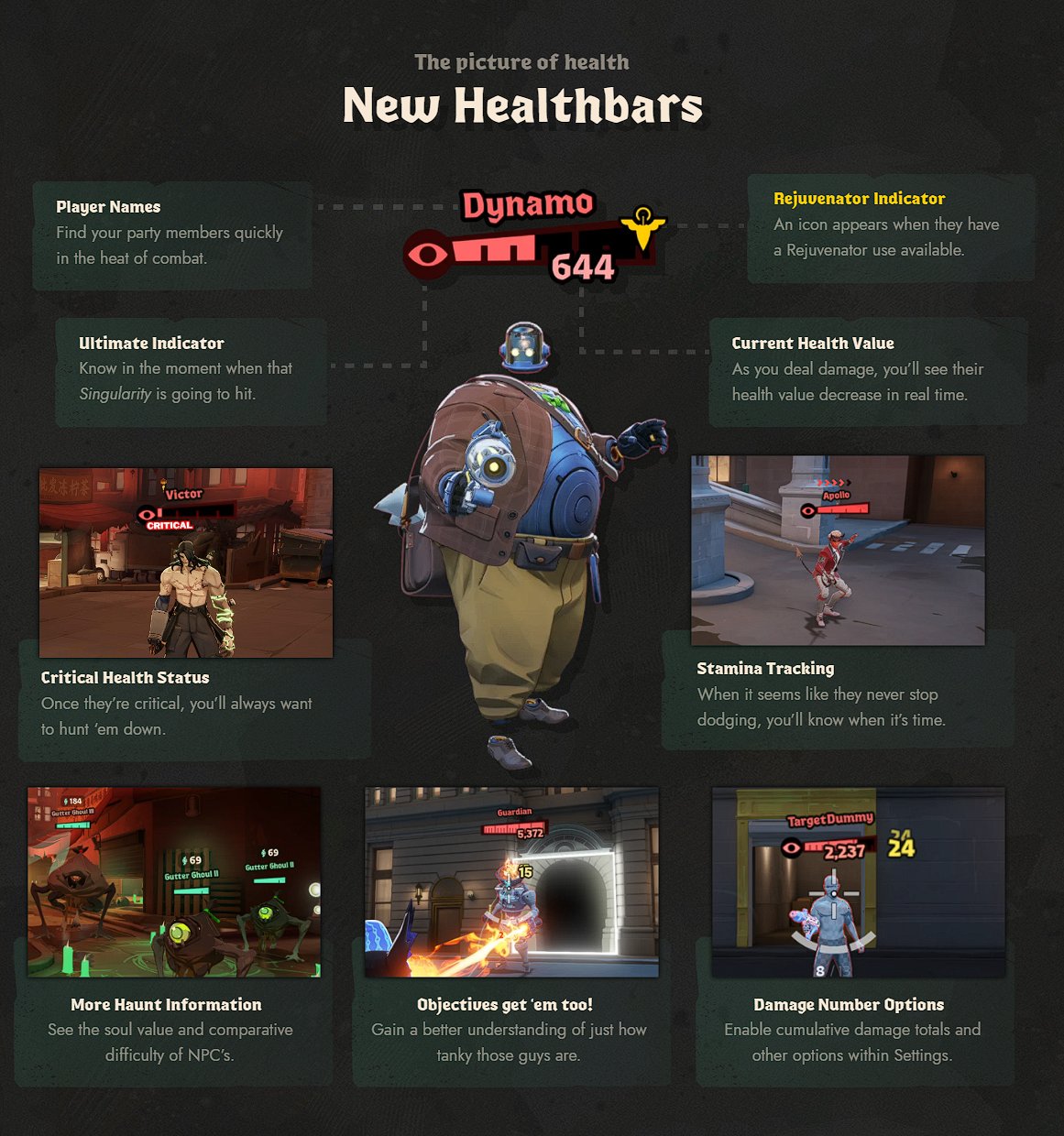
Player Names
Party members are now easier to find during fights.
Rejuvenator Indicator
An icon appears on the health bar when a hero has a Rejuvenator use available.
Ultimate Indicator
It's now easier to tell when an ally's ultimate ability is ready.
Current Health Value
When dealing damage, you can see the target's current health drop in real time.
Critical Health Status
Critically low health is now much more noticeable.
Stamina Tracking
Health bars can now show enemy Stamina, making it easier to tell when an opponent is running out of dashes.
More Haunt Information
Haunts now display their Soul value and relative difficulty.
Objective Health Information
Objective health bars now provide more information, making it easier to understand how durable they really are.
Damage Number Options
Additional damage display options have been added to Settings, including cumulative damage.
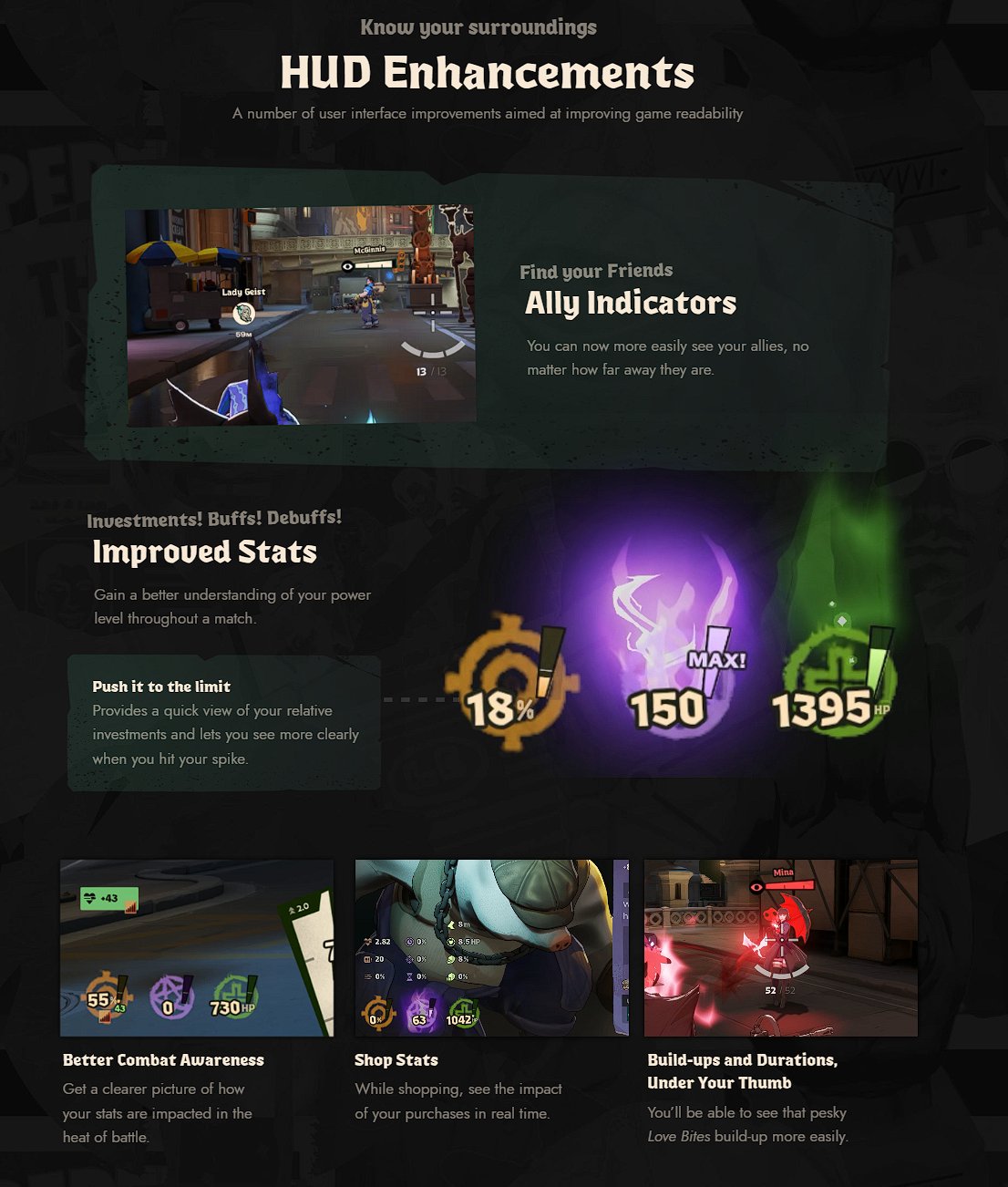
HUD Improvements
Ally Indicators
Allies are now easier to see regardless of how far away they are.
Improved Stats
The stats interface has been redesigned to make it easier to understand your hero's current power.
Investments
It's now easier to see how your investments are distributed and when your build reaches its next power spike.
Better Combat Awareness
During combat, it's easier to understand how different effects are changing your current stats.
Shop Stats
When shopping for an item, you can immediately see how it will affect your hero's stats.
Build-ups and Durations
Build-up effects and their durations are now clearer. For example, tracking Love Bites stacks is easier.
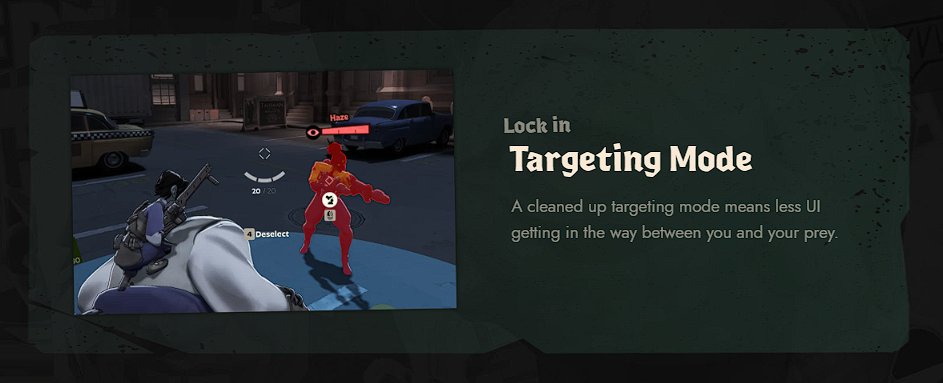
Targeting Mode
Targeting Mode has been cleaned up to remove unnecessary UI elements, keeping the interface from obscuring your target.
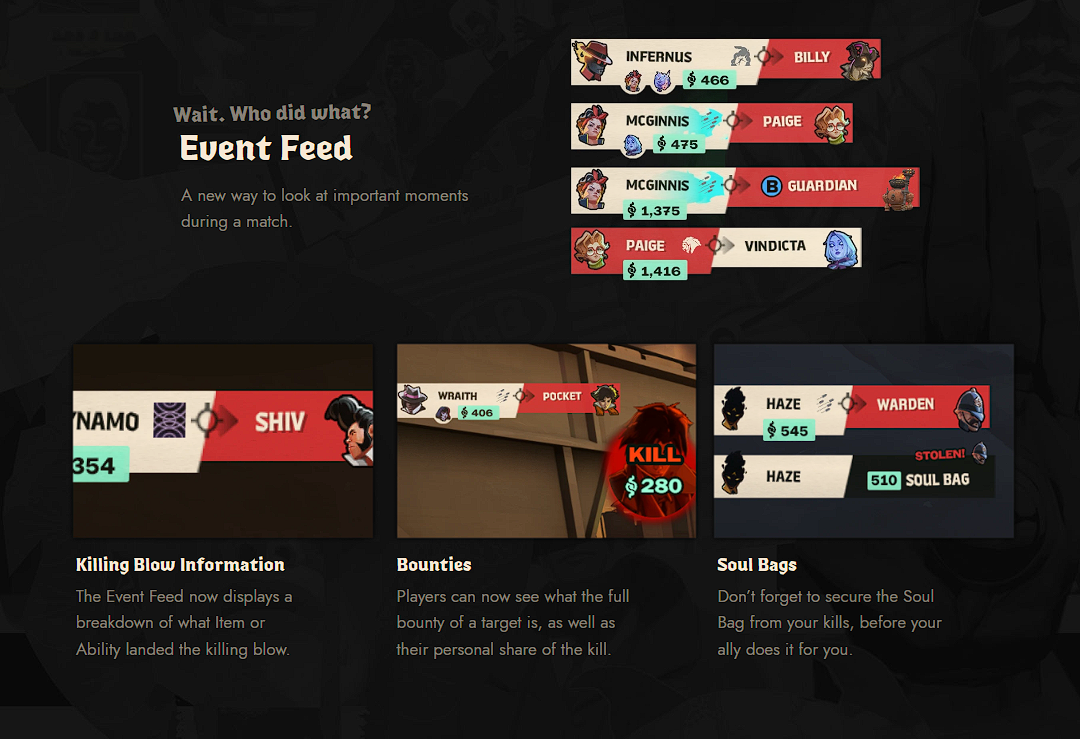
Event Feed
The Event Feed now provides more information.
Killing Blow Information
It now shows which specific item or ability dealt the killing blow.
Bounties
You can see the target's full bounty and your personal share of the kill.
Soul Bags
The interface reminds you to pick up a Soul Bag after a kill before an ally gets to it.
Shop
The Shop has received a major interface and navigation update.
While shopping, you can now continue to see the Kill Feed and incoming messages, and you can also open the Scoreboard.
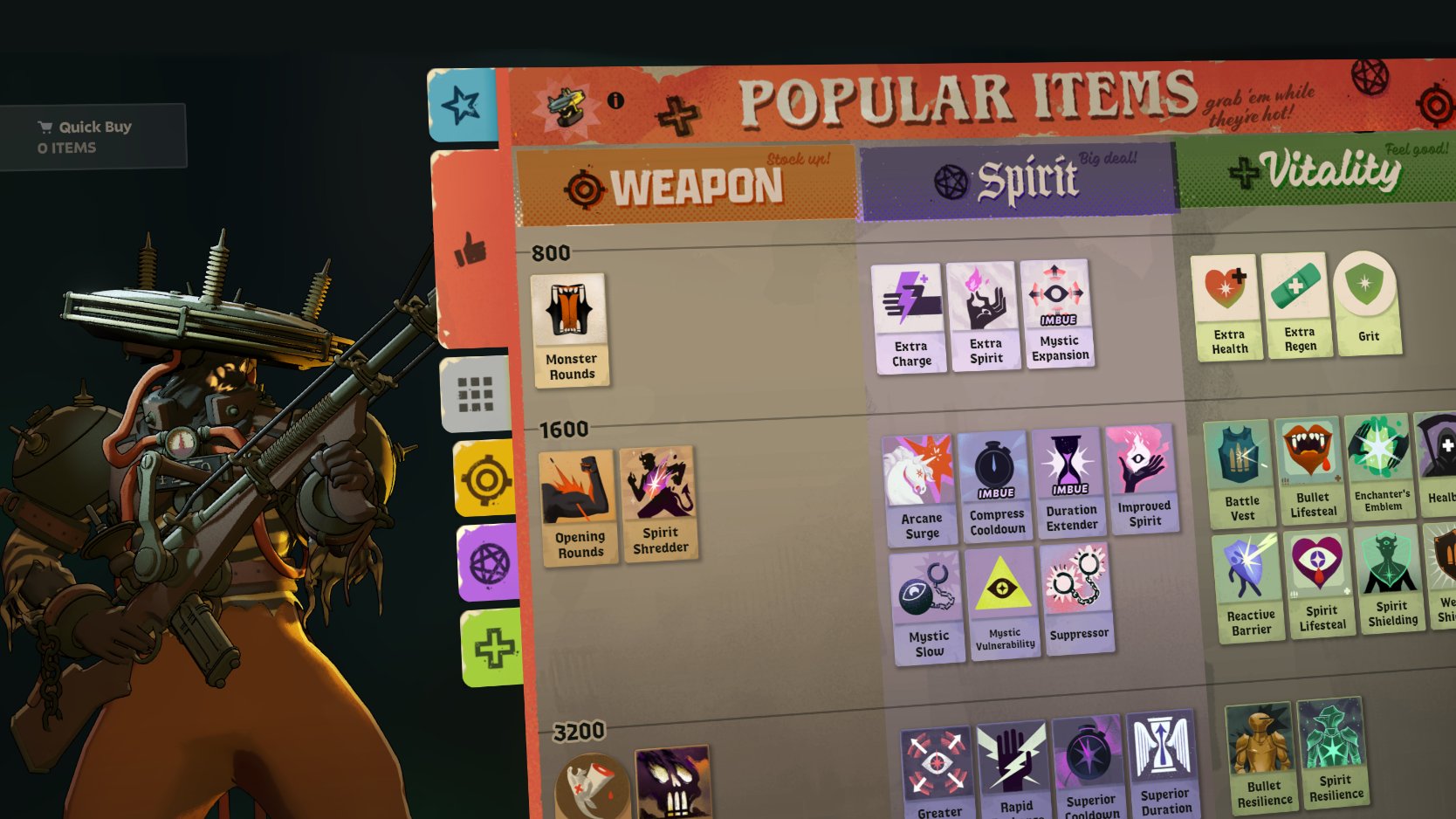
Popular Items
A Popular Items section has been added to the Shop.
Using current player data, the Shop shows the items most commonly purchased for the selected hero.
Item tooltips also show how often an item is purchased and when in a match players typically buy it.
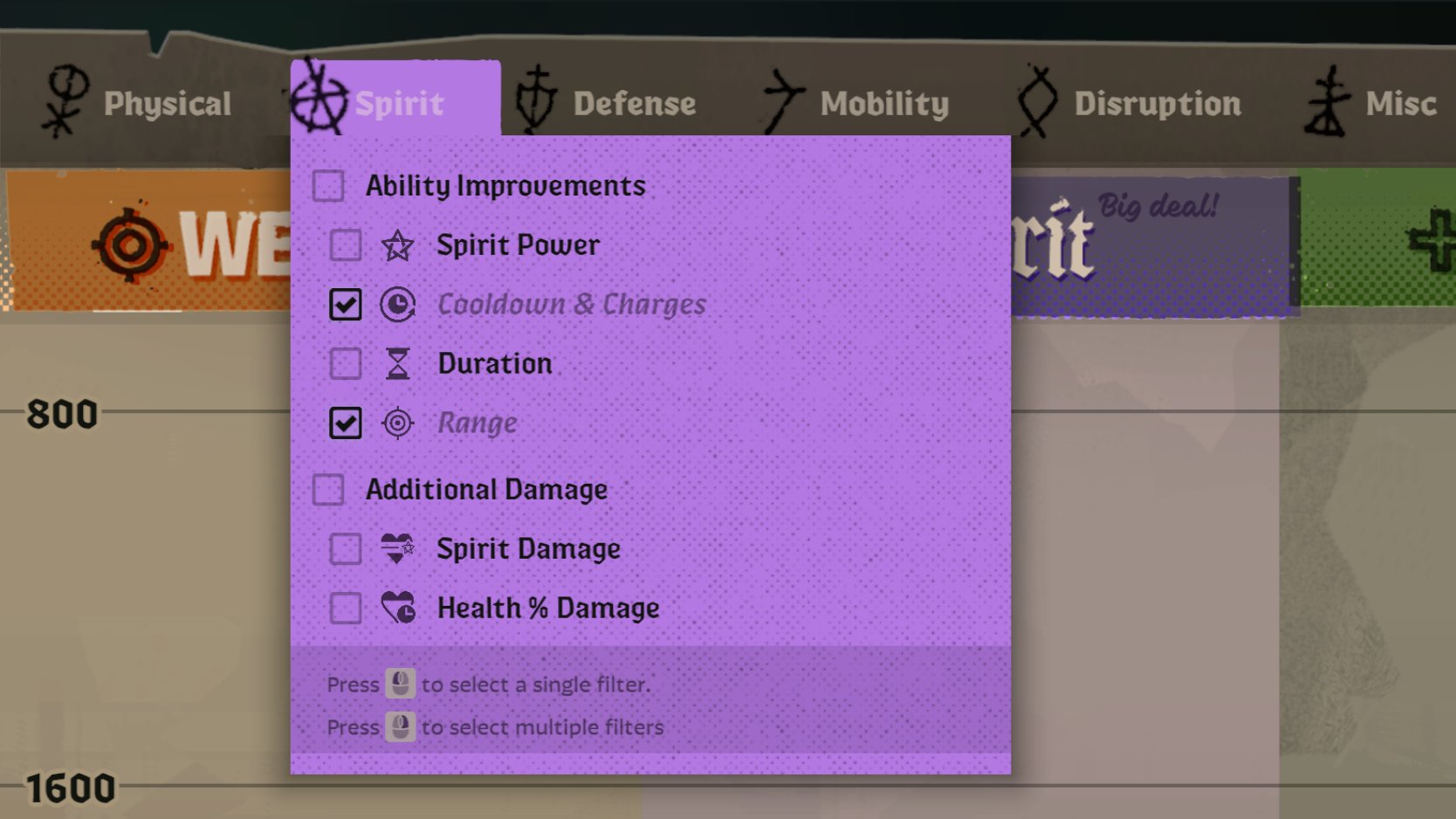
Item Filters
Stat filters have been added.
You can combine multiple filters to quickly find items with the stats and modifiers you need.
Build Improvements
The build browser interface has been updated:
- improved previews;
- added build Copy/Paste;
- instant category resizing;
- numerous bug fixes;
- and additional quality-of-life improvements.
Shop Settings
Search, focus handling, scrolling, navigation, and other Shop interactions have been improved.
By default, keys 1–6 now switch between Shop tabs.
Pings and Communication
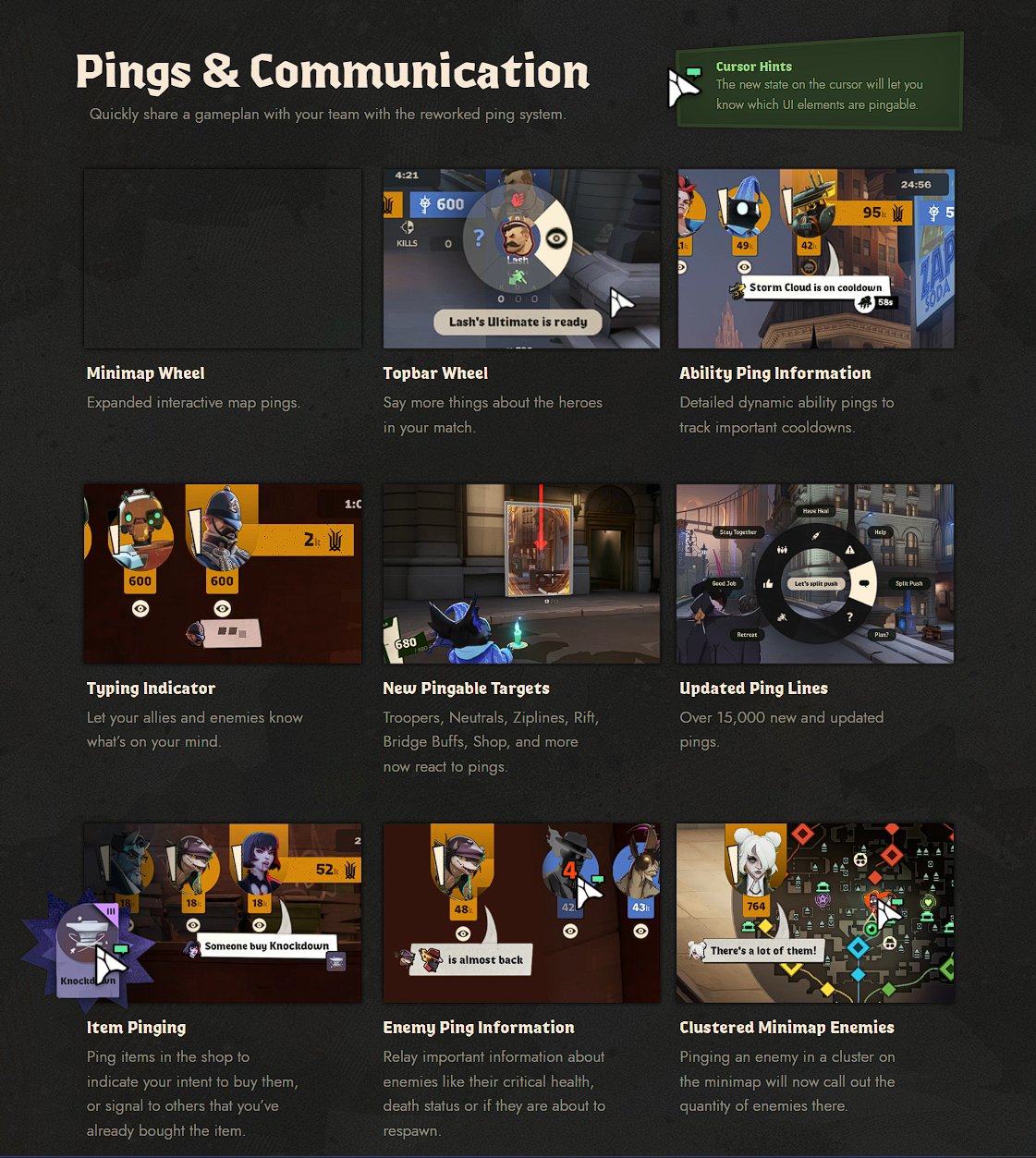
The ping system has received a major overhaul.
Minimap Wheel
The interactive minimap ping wheel has been expanded.
Topbar Wheel
The top bar can now be used to communicate more information about heroes in the match.
Ability Ping Information
Ability pings now dynamically communicate more detailed information, including important cooldowns.
Typing Indicator
Allies and enemies can now see when a player is typing.
New Pingable Targets
You can now ping Troopers, Neutrals, Ziplines, Rift, Bridge Buffs, the Shop, and other targets.
Updated Ping Lines
More than 15,000 ping voice lines have been added or updated.
Item Pinging
Items can now be pinged in the Shop to show that you intend to buy them or that you've already purchased them.
Enemy Ping Information
Enemy pings can include additional information such as critically low health, whether the enemy is dead, or whether they are about to respawn.
Clustered Minimap Enemies
When multiple enemies are clustered together on the minimap, the ping now reports how many are there.
New Voice Lines
The number of pre-match conversations between new and existing heroes has increased from more than 700 to 1,500.
More than 10,000 additional non-ping voice lines have also been added.
New Dialogue Player
A new interface lets you listen to available hero and Patron dialogue directly in the game.
Other Improvements
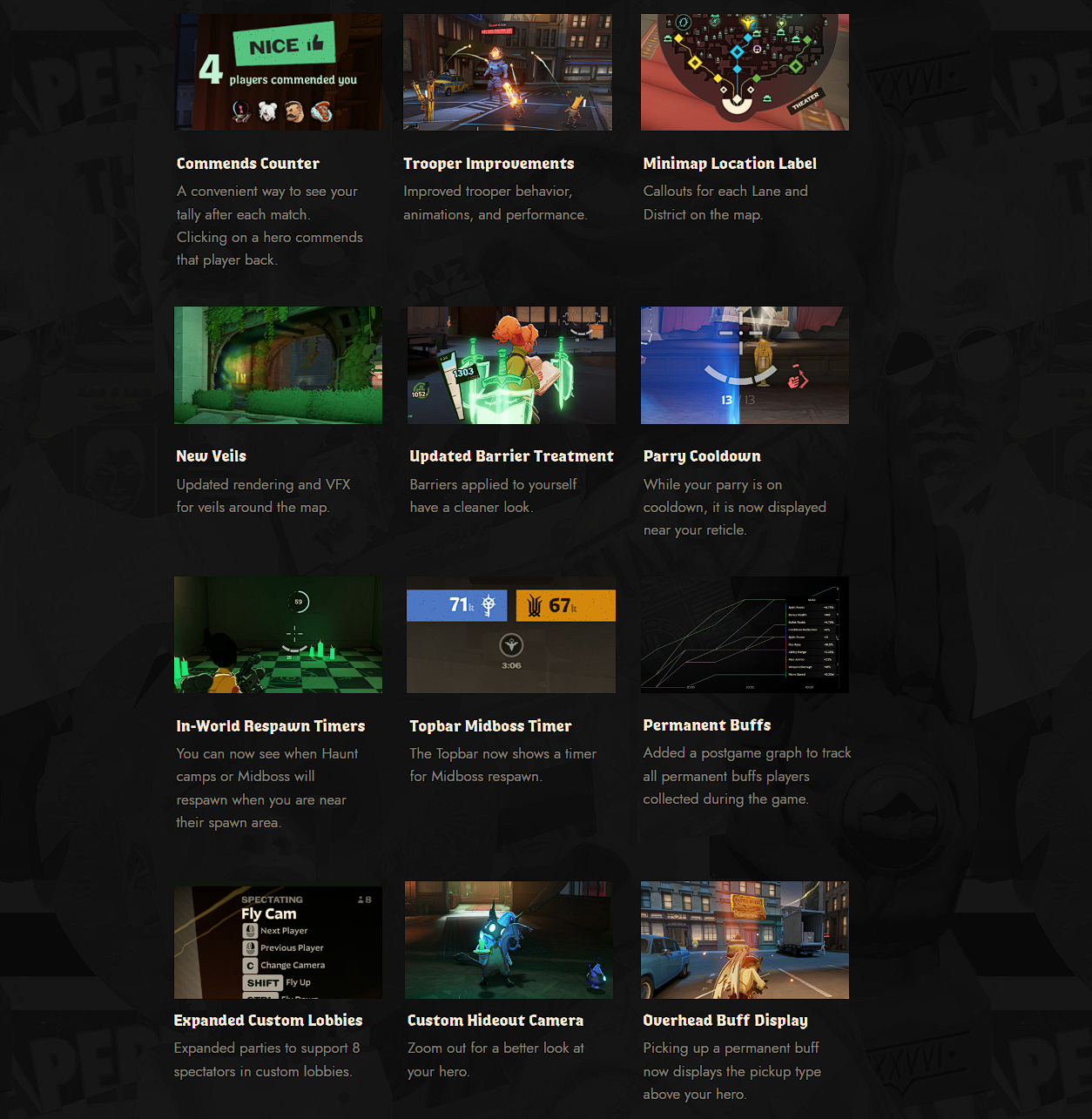
Commends Counter
It's now easier to see how many commends you received after a match.
Clicking a hero who commended you lets you commend them back.
Trooper Improvements
Trooper behavior, animations, and performance have been improved.
Minimap Location Label
The minimap now includes labels for each lane and District.
New Veils
Veil rendering and visual effects have been updated throughout the map.
Updated Barrier Treatment
Barriers applied to your own hero now have a cleaner presentation and obstruct your view less.
Parry Cooldown
When Parry is on cooldown, its timer is displayed next to the reticle.
In-World Respawn Timers
When you're near a Haunt or Midboss spawn point, you can now see the time remaining until it respawns.
Topbar Midboss Timer
A Midboss respawn timer has been added to the top bar.
Permanent Buffs
Post-match stats now include a graph showing all permanent buffs players collected during the match.
Expanded Custom Lobbies
Custom lobbies now support up to 8 spectators.
Custom Hideout Camera
The Hideout camera can now zoom out farther so you can get a better look at your hero.
Overhead Buff Display
When you receive a permanent buff, its type is now displayed above your hero.
Accessibility Settings
A dedicated set of accessibility options has been added for visuals, audio, and controls.
Enemy UI Color
You can independently customize the colors used for enemy-related UI elements.
VO Subtitles + Customization
Subtitles can now be enabled for in-game dialogue.
You can customize:
- size;
- text color;
- background color;
- font.
Auto Move
Double-tapping forward movement enables automatic movement without needing to hold the key.
Press forward or backward movement again to stop.
Auto Mantle
Your hero can automatically mantle while moving forward on the ground without pressing Jump.
This also works while moving backward.
Auto Fire
Weapons can continue firing automatically without requiring you to hold Fire.
Press Fire again to stop shooting, then press it once more to resume.
Reduced Camera Shake
An option has been added to reduce camera shake from hits, explosions, and other effects.
Reticle Updates
Reticle fill and outline colors can now be customized separately.
Expanded Sandbox Tools
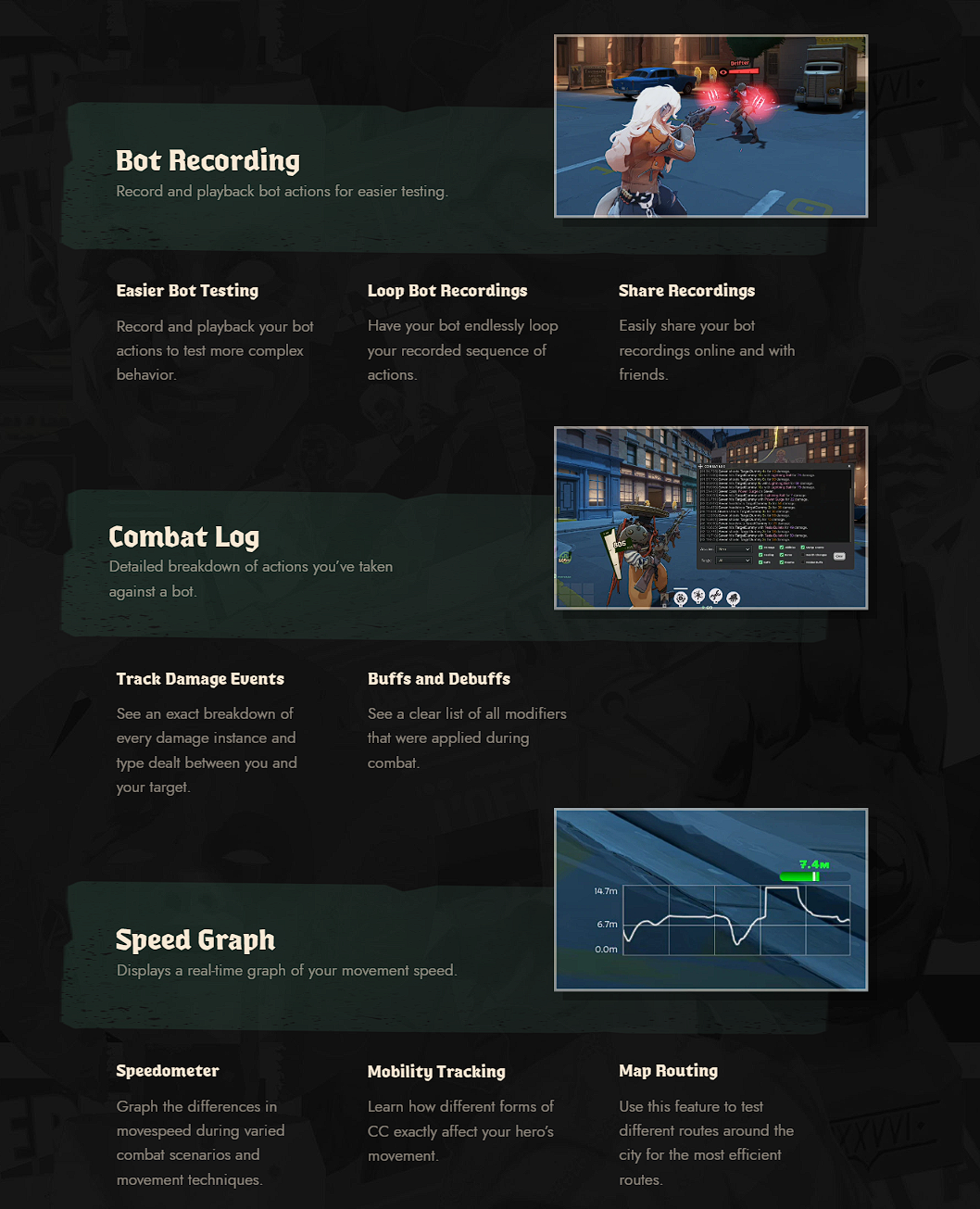
Bot Recording
You can record a bot's actions and play them back for testing.
Easier Bot Testing
Recorded actions make it easier to test more complex gameplay situations.
Loop Bot Recordings
A bot can loop a recorded sequence indefinitely.
Share Recordings
Bot behavior recordings can be shared with other players.
Combat Log
A detailed combat log has been added for interactions with bots.
Track Damage Events
It shows an exact breakdown of every damage event and damage type.
Buffs and Debuffs
A full list of buffs and debuffs active during combat is displayed.
Speed Graph
A real-time movement speed graph has been added.
Speedometer
You can track how your speed changes during different combat situations and movement techniques.
Mobility Tracking
You can test how different forms of crowd control affect hero movement.
Map Routing
The tool helps you test different routes through the city and find the fastest paths.
DPS Meter
Displays DPS and total damage dealt.
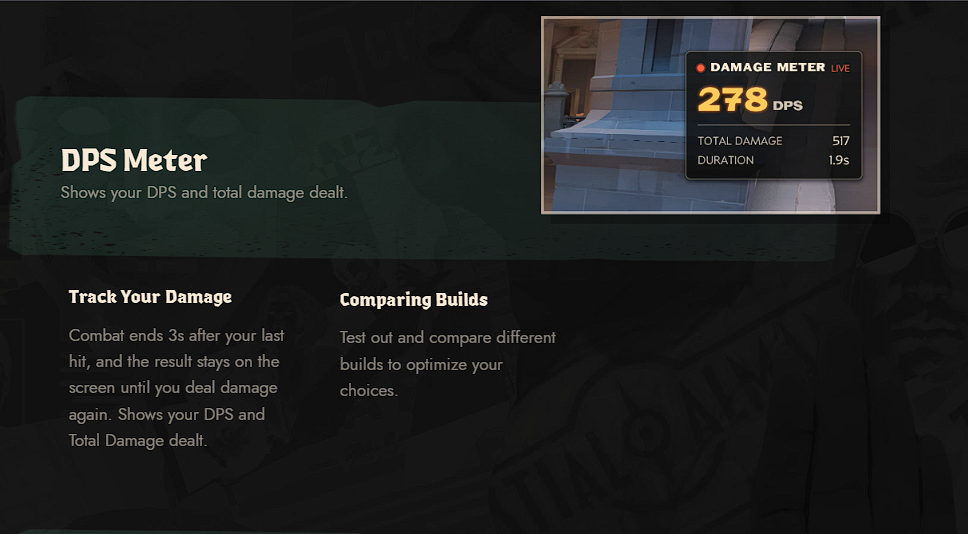
Track Your Damage
Combat is considered finished 3 seconds after the last hit.
The result stays on screen until you deal damage again and displays both DPS and Total Damage.
Comparing Builds
You can compare different builds and evaluate their performance.
More Sandbox Tools
Hero Controls
Numerous hero-state controls have been added for testing.
Map Spawn Toggles
You can enable or disable standard map spawns.
Permanent Buffs
Testing tools can grant permanent buffs to your hero.
Camera Lock
The camera can be moved freely around your hero for recording and setup.
Hide Interfaces
You can hide the HUD and health bars.
Shop Modifiers
Detailed information is shown for item types, including Enhanced, Legendary, and Corrupted.
Bot Fine Tuning
You can configure various Target Dummy parameters for more precise testing.
Force Spawn Menu
You can force-spawn different objects, breakables, enemies, and other map elements.
Target Actions
You can instantly kill or heal the target under your cursor.
Hotkeys
Frequently used functions such as noclip can be assigned to hotkeys.
Navigate Uninterrupted
You can make all map entities ignore your hero and grant extra speed for uninterrupted navigation.
Bot Actions
You can assign actions, abilities, and item uses to a bot and then loop them.
Tooltips
Sandbox options now include explanatory tooltips.
Reorganized Layout
The testing tools have been reorganized into a new menu layout.
Free Shopping Mode
Free Shopping Mode can now be toggled on and off.
Menu Pin & Free Cursor
The testing menu can remain pinned after you release the Scoreboard key.
You can also unlock the cursor for continuous mouse control.
Falloff Guides
Falloff Guides visualize where weapon damage begins to fall off, where it reaches its minimum, and how much damage is lost.
Player Behavior and Reports
Report Notification
Players now receive a notification when action is taken against someone they reported.
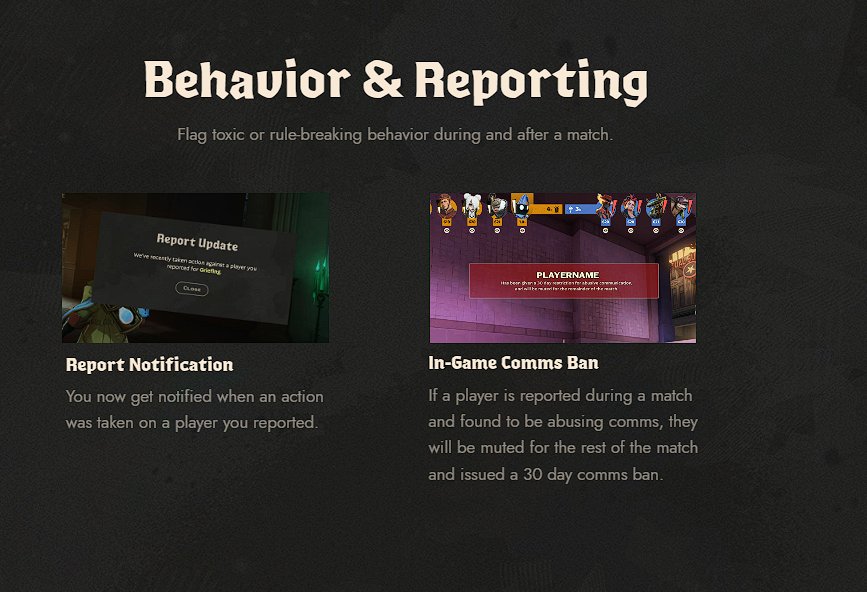
In-Game Comms Ban
If a player is reported during a match and the system confirms a communication violation, they will be muted for the rest of that match and receive a 30-day communication ban.
New Settings Features
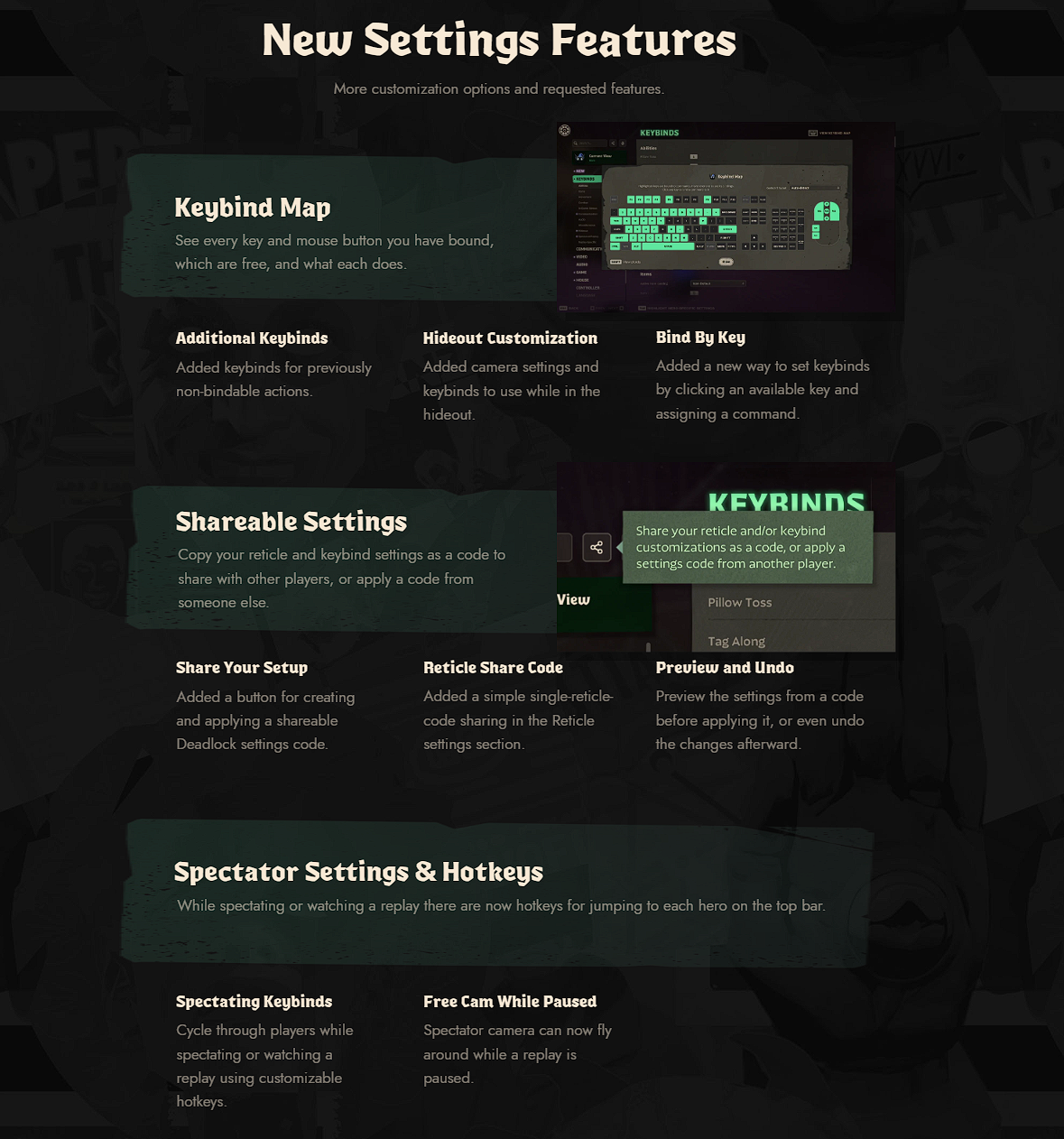
Keybind Map
A keybind map has been added for keyboard and mouse inputs.
It shows which buttons are already assigned, which are free, and what each one does.
Additional Keybinds
Keybinds have been added for actions that previously could not be rebound.
Hideout Customization
Camera and control options have been added for the Hideout.
Bind By Key
You can bind a command simply by selecting an unused key.
Shareable Settings
Reticle and control settings can be exported as a code and shared with other players.
Share Your Setup
A dedicated button has been added to create and apply a shared Deadlock settings code.
Reticle Share Code
The reticle now has its own simple share code.
Preview and Undo
Settings from a shared code can be previewed before applying them, and changes can be undone.
Spectator Settings and Replays
Spectator Settings & Hotkeys
While spectating a match or watching a replay, hotkeys can now be used to quickly switch between heroes on the top bar.
Spectating Keybinds
You can cycle between players using customizable keybinds.
Free Cam While Paused
Free Cam now works even while a replay is paused.
Advanced Spectator Camera
Spectator and replay camera options have been expanded.
Player View Toggle
You can choose whether the camera should return to the viewed player's perspective.
Fade Opacity Controls
You can adjust fade opacity and fade distance for the spectated hero and other characters when the camera gets close.
Spectator Camera
You can manually override the spectator camera position, pivot, and field of view.
Health and Damage Settings
Health Numbers
You can choose whether numeric health values are displayed inside health bars.
Cumulative Damage
You can customize how cumulative damage is displayed on targets.
Ally Health Numbers
An option has been added to show allies' numeric health values on their health bars when they take damage.
Other Settings
Improved Reticle Previews
Reticle elements can move while firing and react to zoom, accuracy changes, and hero abilities.
Defaults Indicator
Settings that differ from their default values are now visually marked.
Device Recognition
Connecting or disconnecting speakers, headsets, and microphones is now immediately reflected in Settings.
Hero Settings
Many options can be configured separately for each hero.
Holding TAB in Settings highlights hero-specific options.
International Keyboard
The game now attempts to automatically detect the physical shape and layout of your keyboard.
IME Support
Japanese, Chinese, and Korean players can now use IME for text input and hero search.
Mouse Cursor Size
A mouse cursor size option has been added.
Scroll Wheel Binds
Mouse wheel inputs can now be bound to actions that previously supported only standard buttons.
Hero Selector
A Hero Selector has been added to Settings navigation, making it easy to compare and change hero-specific options.
Settings Memory
The Settings menu remembers the last section you opened between play sessions.
Preview Video Settings
Graphics changes can now be previewed immediately: the menu temporarily becomes transparent so you can see the result.
Cloud-Save Settings
More settings are now saved to the cloud.
Multiple users on the same PC can also keep separate settings.
Individual Setting Resets
Changed settings now have individual reset buttons.
Global Settings Reset
Global reset now lets you restore all settings at once or choose only the categories you want to reset.
Improved Color Selection
Individual RGB sliders have been replaced by a spectrum and color picker for faster, easier color selection.
Additional Update Changes
- The engine code has been updated to the latest version of Source 2.
- Anti-cheat has been improved.
- Network prediction has been improved.
- Rendering performance has been improved.
- Audio performance has been improved.
- Localization has been added and improved.
- Item images have been updated.
- New sound effects have been added for every hero's Heavy Melee and Light Melee attacks.
- Abilities and items now activate immediately when their button is pressed instead of waiting for the next available input window, which could previously make controls feel unresponsive.
- Various sound effects have been added and improved.
- New music has been added for death, respawn, and kill streaks.
- Various animations for older heroes have been updated.
- Numerous Sinclair bugs have been fixed.
- New footstep sounds have been added for Billy, Mina, Drifter, Silver, Victor, Venator, Apollo, Graves, Celeste, The Doorman, Paige, and Rem.
- New vertically projected shadows have been added instead of relying on sunlight direction. This improves performance and makes enemies easier to track.
- The Avoid Hero command can now be rebound for players using a mouse without a middle button.
- In Street Brawl, players now receive a Corrupted Item after choosing items in Round 5.
- Various Street Brawl bugs have been fixed.
- New hit-registration effects have been added.
- Successfully parrying objects no longer resets the Parry cooldown.
- The amount of time required to earn the Sinners Sacrifice bonus can now vary.
- Various The Doorman exploits and bugs have been fixed.
- Heroes in the Hideout now look toward interesting nearby objects.
- Voice-line reaction rules have been improved and various in-game dialogue bugs have been fixed.
- Walkers no longer continue firing fireballs after dying.
- Fixed an issue with Yamato's aerial attack where a path would not be generated to targets that are solid to the player, including Turrets, Shrines, and Objectives.
- Fixed an issue where holding a modifier key, such as Ctrl for crouch, could interfere with other key combinations.
- Fixed an issue where secondary keybinds required the same modifiers as the primary bind.
- Bots now spawn facing the player.
- Graves can now destroy Venator's traps with her weapon.
- Walkers now have a dynamic indicator for attack and stomp range that appears as you approach, instead of permanently displaying the area on the ground.
- Fixed an issue on the Hidden King, Archmother, and Target minimaps where heroes or objectives were not shown while spectating a live match.
- In Sandbox and Explore NYC, the first crates and neutrals now spawn after 5 seconds instead of 30.
- New objects have been added to the Sandbox map.
- A new camera angle has been added when spectating the Patron.
- Support has been added for Japanese kinsoku shori line-breaking rules.
- Localized hero logos have been added for Korean.
- A padded HUD option has been added for 21:9 resolutions.
- New settings are now marked with an indicator until the new-feature notification is dismissed.
- Settings sliders now show a marker for the default value.
- And many other smaller changes.